Styling and layout
How to style NativeHTMLKit windows with CSS from Python: what the renderer supports, how to lay out an application window, how to follow or override light and dark mode, and how to change styles at run time. Applies to the NativeHTMLKit Python SDK 0.1.2 with Core 1.0.3.
Which HTML and CSS work
The host renders HTML and CSS natively with a documented desktop profile, ui4me-desktop-1.0 in
Core 1.0.3, not with a browser engine. Everyday CSS works: flexbox and grid (including subgrid),
calc(), custom properties (var()), color-mix(), light-dark(), @media
(including prefers-color-scheme), @container, @layer, @supports, @font-face,
transitions and animations. Pages have no JavaScript: behaviour lives in Python.
The authoritative list is Core's
HTML and CSS support guide.
You can also ask the running host. The css_profile document command returns every feature id
with a state (on, off, filtered or unavailable):
profile = document.command("css_profile")
print(profile["version"])                                    # ui4me-desktop-1.0
states = {f["id"]: f["state"] for f in profile["features"]}
states["css.display.grid"]                                   # 'on'
states["css.function.color-mix"]                             # 'on'
[name for name, state in states.items() if state != "on"]    # what to avoid
A small explorer that renders this list with a live filter:
import html
from nativehtmlkit import Application

PAGE = """<!doctype html><html><head><meta charset="utf-8"><style>
  body { font: 14px sans-serif; margin: 0; padding: 16px; }
  input { width: 100%; box-sizing: border-box; padding: 8px; margin: 8px 0; }
  table { border-collapse: collapse; width: 100%; }
  td { padding: 4px 8px; border-bottom: 1px solid #dde3ee; }
  tr.on td:last-child { color: #1d6b34; } tr.off td:last-child { color: #8a1f1f; }
</style></head><body>
  <input id="filter" type="search" placeholder="Filter, for example grid or color-mix" aria-label="Filter features">
  <table><tbody id="rows"></tbody></table>
</body></html>"""


def main() -> None:
    with Application.start(name="CSS support") as app:
        document = app.open_html(PAGE, title="CSS support", width=640, height=720).document
        features = sorted(document.command("css_profile")["features"], key=lambda f: f["id"])

        def render(event=None):
            needle = (event or {}).get("value", "").strip().lower()
            document.replace_html("rows", "".join(
                f'<tr class="{html.escape(f["state"])}"><td>{html.escape(f["id"])}</td>'
                f'<td>{html.escape(f["state"])}</td></tr>' for f in features if needle in f["id"].lower()))

        document.on("input", render, element="filter")
        render()
        app.run()


if __name__ == "__main__":
    main()
When a rule does not apply, ask why:
document.computed_style(["color", "display"], "title")
# {"properties": {"color": {"value": "rgb(31, 138, 76)", "status": "supported", ...}, ...}}
document.command("explain", element="title", property="color")
# {"status": "applied", "reason": "the declaration takes effect on this element", "value": ...}
document.diagnostics()["diagnostics"]          # unsupported CSS, pending or denied resources
computed_style reports an unknown property as "status": "invalid" with a reason.
Lay out an application window
A window is a viewport, not a page that scrolls as a whole. Most tools want fixed bars and one
scrolling region. Make body a flex column of the window's height and let the middle part
scroll; the bulk rename
and keyboard shortcuts
examples use this shell:
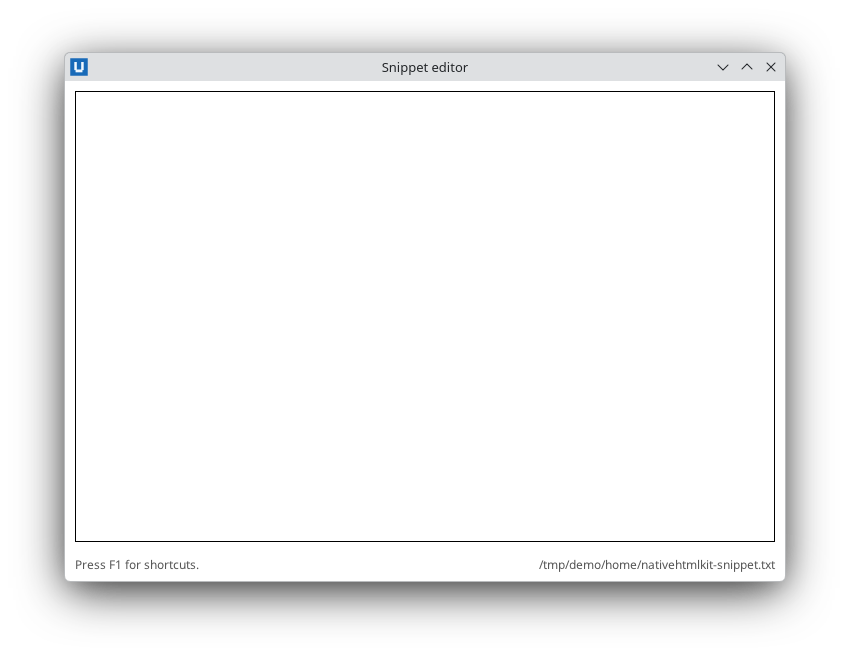
Real capture on KDE Plasma 6.6 Wayland with the released packages.
body   { margin: 0; display: flex; flex-direction: column; height: 100vh; }
header { padding: 10px 14px; border-bottom: 1px solid var(--line); }
main   { flex: 1; overflow: auto; padding: 0 14px; }      /* only this part scrolls */
footer { display: flex; gap: 8px; align-items: center; padding: 8px 14px; }
#summary { flex: 1; }                                       /* pushes the buttons to the right */
Other patterns used by the examples:
- Toolbars and form rows:
display: flex; gap: 8px; align-items: center;withflex: 1on the field that should grow. - Label/field forms:
display: grid; grid-template-columns: auto 1fr; gap: 8px 12px;. - Sidebars: a flex row with a fixed-width
asideandmin-width: 0on the flexible part (data_table.py). - Sticky table headers:
th { position: sticky; top: 0; }inside the scrolling container. - Numbers:
text-align: right; font-variant-numeric: tabular-nums;for aligned columns.
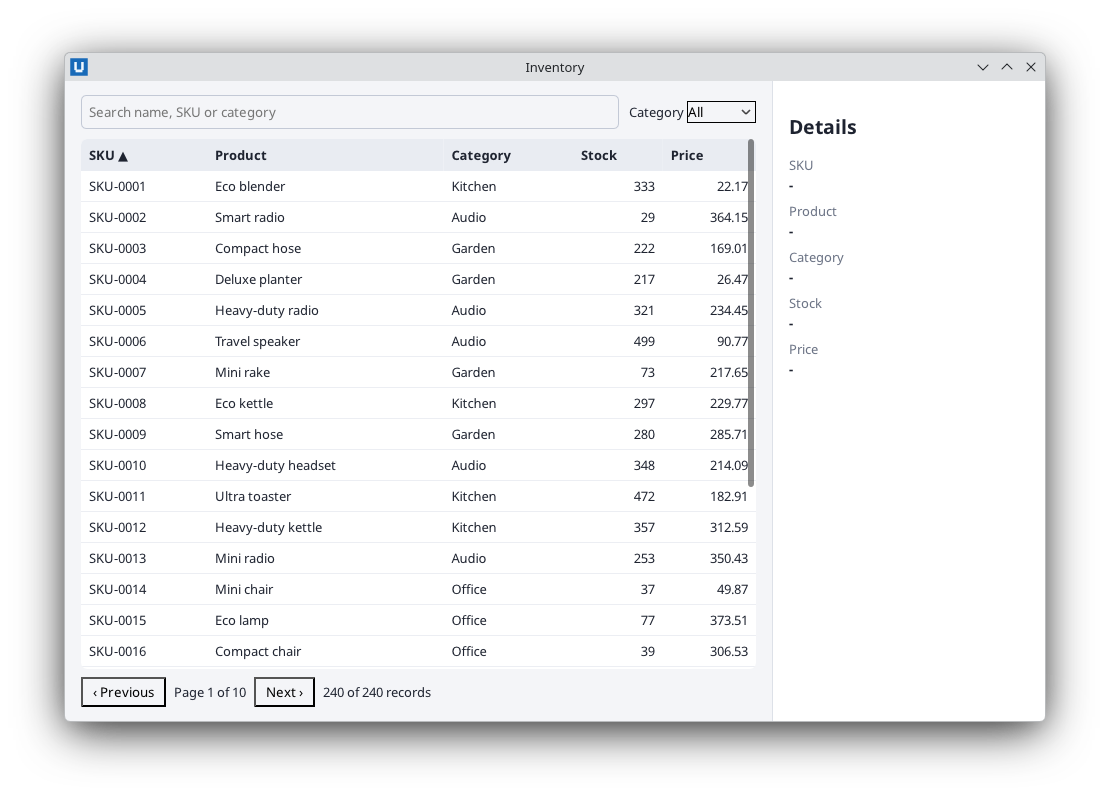
Real capture on KDE Plasma 6.6 Wayland with the released packages.
Set a minimum window size so the layout never collapses:
app.open_html(page, width=900, height=620, min_width=640, min_height=400).
Light and dark mode
Define colours as custom properties and override them for dark mode. The host evaluates
prefers-color-scheme from the desktop's preference (where the platform reports it):
:root { color-scheme: light dark; --bg: #f5f6fa; --panel: #fff; --text: #1b2333; --accent: #2f62d0; }
@media (prefers-color-scheme: dark) {
  :root { --bg: #161a22; --panel: #1f2430; --text: #e5e9f2; --accent: #7aa2ff; }
}
body { background: var(--bg); color: var(--text); }
Override the scheme for one document, for example from a settings dialog (settings_dialog.py):
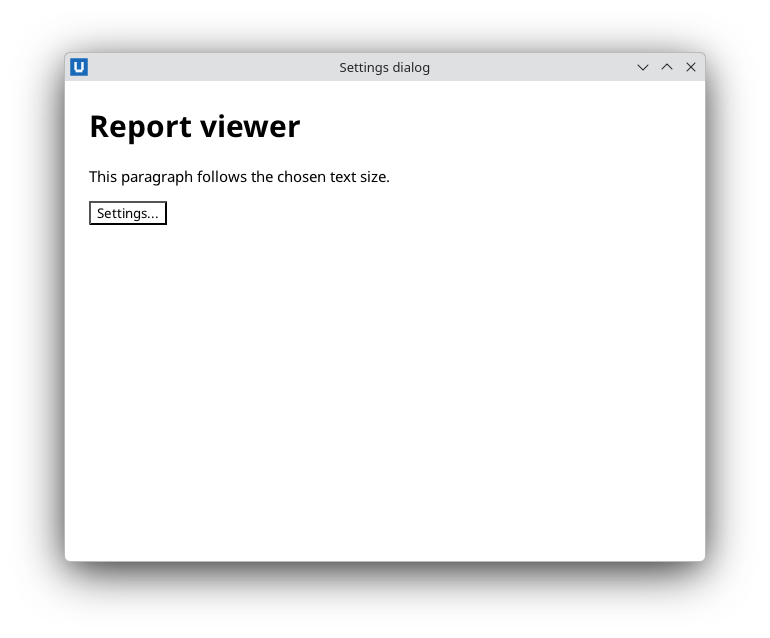
Real capture on KDE Plasma 6.6 Wayland with the released packages.
document.set_environment(color_scheme="dark")       # "light", "dark" or "system" (follow the desktop again)
document.set_environment(reduced_motion="reduce")   # "reduce", "no-preference" or "system"
document.environment()                              # {"color_scheme": "dark", "color_scheme_source": "app", ...}
app.desktop_preferences() returns what the desktop reported (color_scheme, reduced_motion,
high_contrast; None where unknown) and app.on_desktop_preferences(callback) tells you when it
changes.
Change styles at run time
Prefer toggling classes (add_class/remove_class) and letting CSS do the rest. For values
chosen at run time, such as an accent colour, keep one small stylesheet and replace it:
sheet = document.add_stylesheet(":root { --accent: #2f6fd0; }")["sheet"]   # a handle

def set_accent(colour: str) -> None:
    if colour in ("#2f6fd0", "#1f8a4c", "#b4451f"):        # only values you control
        document.replace_stylesheet(sheet, f":root {{ --accent: {colour}; }}")

document.stylesheets()          # every sheet: <style>, <link> and attached ones
document.remove_stylesheet(sheet)
Never build CSS from untrusted text; treat it like markup (see security). For a
single element, set_attribute(id, "style", "width:40%") sets an inline style (progress bars in
checksum.py).
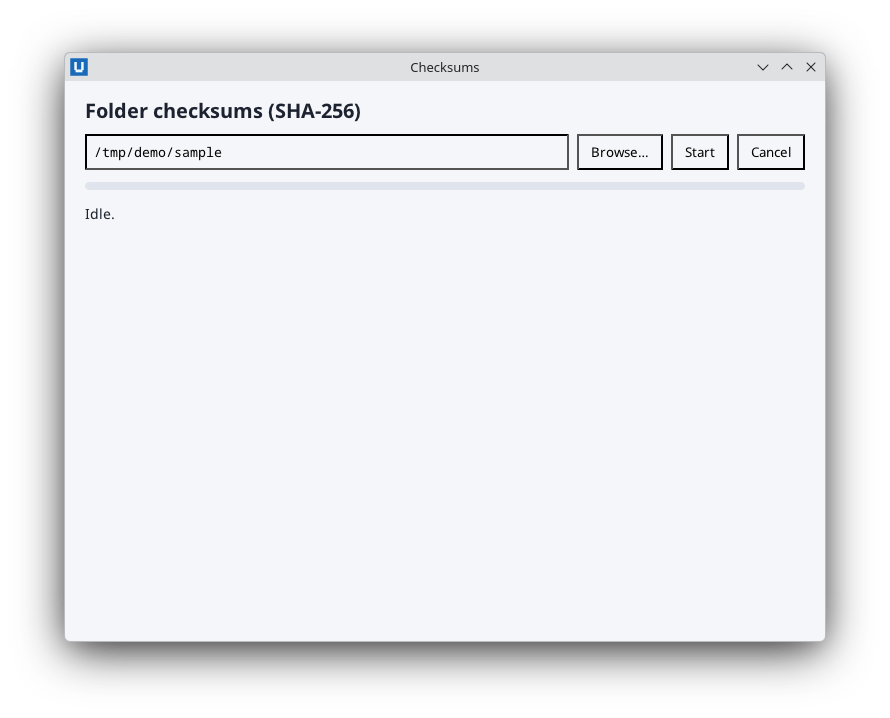
Real capture on KDE Plasma 6.6 Wayland with the released packages.
Files, fonts and images
- Keep markup and styles in files and load them with
app.open_file(HERE / "index.html")orwindow.load_file(path). Relative URLs in the HTML (style.css, images, fonts) resolve against the HTML file's folder. For an HTML string, passasset_root=to name that folder. - Remote URLs are never loaded. An
<img src="https://...">is reported asRESOURCE_DENIEDbydocument.diagnostics(). Ship assets with your application, or register in-memory files withdocument.register_resources(name, {...})and reference them asui4me-res://URLs (see the document reference). - Fonts: declare your own with
@font-faceand a relative URL. The host ships a default sans-serif font, so text renders even if you bring none.
Related
- Updating the page: classes, attributes and re-rendering.
- Project scaffolding: the
index.html+style.cssproject layout. - Live bitmaps: pixels drawn from Python, for charts and images.
Source: nativehtmlkit-python/docs/guides/styling-and-layout.md · edit the page there.