Events and callbacks
Subscribe to an event
def on_save(event: dict) -> None:
    document.set_text("status", "Saved")

unsubscribe = document.on("click", on_save, element="save")
# later: unsubscribe()
document.on(type, callback, element=None) calls callback(event) for each event of that type.
event is a dict; the event reference lists every member and type.
Delegate: one handler for many elements
element= matches the target and everything inside it. The event's element member names
the nearest element with an id, and path lists every identified ancestor. Render ids that
encode what you need and parse them in one handler:
# <ul id="todos"> <li id="todo-7"> ... <button id="todo-7-delete">Delete</button> </li> </ul>
def on_list_click(event):
    kind, number, action = (event["element"].split("-") + ["", "", ""])[:3]
    if kind == "todo" and action == "delete":
        delete_todo(int(number))

document.on("click", on_list_click, element="todos")
A click on a cell without an id reports its nearest identified ancestor, e.g. the <tr id="row-…">.
Delegated handlers survive replace_html of the list's children, so re-rendering never needs
re-subscribing. (todo.py, data_table.py)
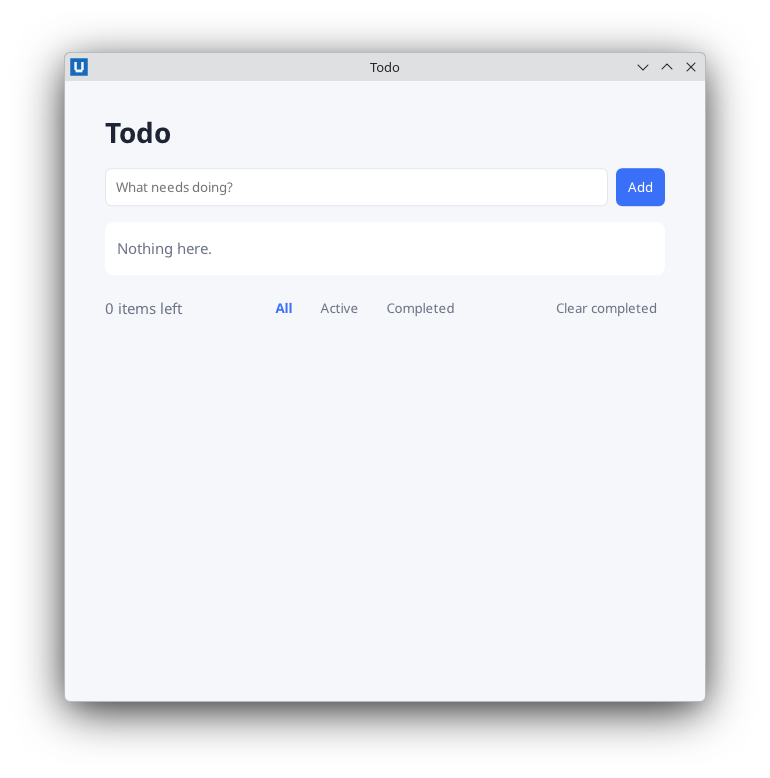
Real capture on KDE Plasma 6.6 Wayland with the released packages.
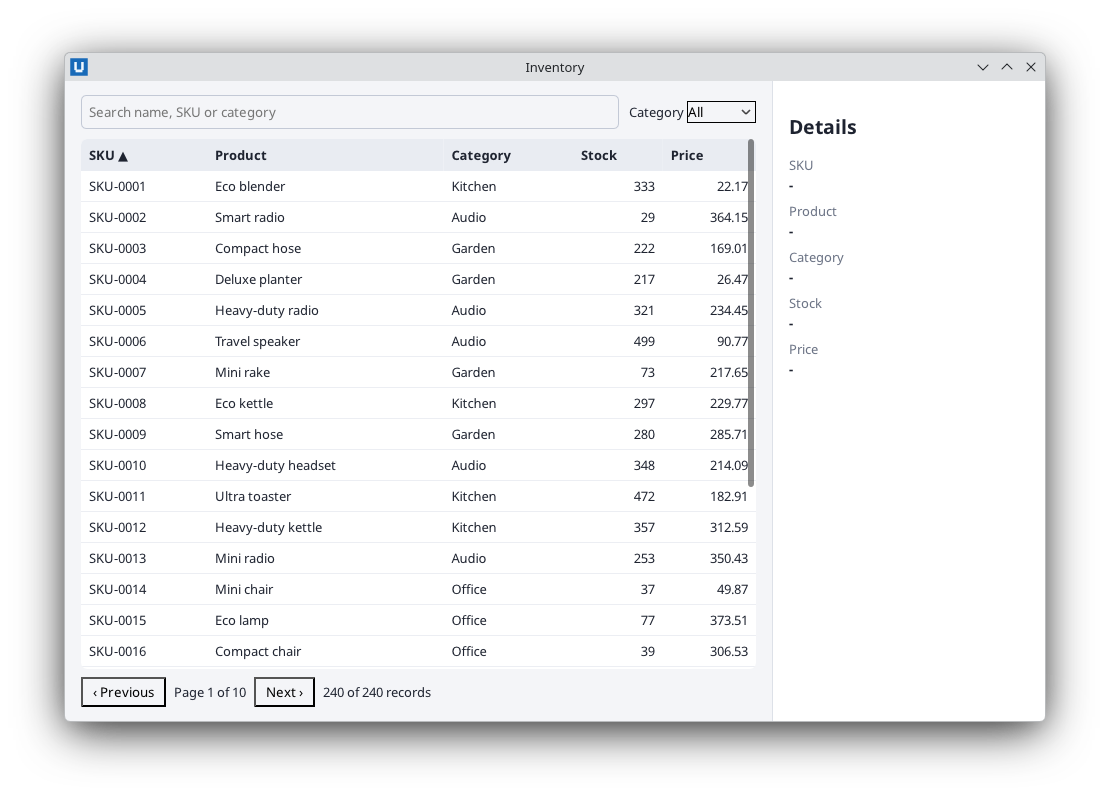
Real capture on KDE Plasma 6.6 Wayland with the released packages.
Non-bubbling events (focus, blur, invalid, toggle, close, mouseenter, ...) have a path
with only their target: subscribe on the target itself or without element.
Typing and keys
inputfires for each edit and carries the control's currentvalue:document.on("input", lambda e: search(e["value"]), element="search").changefires when a checkbox, radio or select changes (checked/valuein the event) and when a text field is committed.keydown/keyupcarrykey("a","Enter","Escape","ArrowDown"…),codeand theshift/ctrl/alt/metaflags.- Enter in a text field submits its form (HTML implicit submission), so a
submithandler covers both the button and the keyboard.
def on_key(event):
    if event["key"] == "Escape":
        cancel_edit()
    elif event["key"] == "s" and event["ctrl"]:
        save()
document.on("keydown", on_key)
Shortcut tables, prevent_default for keys, focus and the text selection are covered in
keyboard and focus.
See which events arrive
When you are unsure which element, path or value an interaction produces, log the events.
This complete program delegates five event types from one container and keeps the newest 50
lines:
import html
import time

from nativehtmlkit import Application

PAGE = """<!doctype html><html><head><meta charset="utf-8"><style>
  body { font: 14px sans-serif; margin: 16px; } ol { font: 12px monospace; }
</style></head><body>
  <section id="controls">
    <button id="hello">Click me</button>
    <input id="name" placeholder="Type here">
    <select id="color"><option>red</option><option>green</option></select>
    <label><input id="agree" type="checkbox"> Checkbox</label>
  </section>
  <ol id="log"></ol>
</body></html>"""
FIELDS = ("element", "path", "value", "checked", "key", "related_element")


def main() -> None:
    with Application.start(name="Event inspector") as app:
        document = app.open_html(PAGE, title="Event inspector", width=760, height=520).document
        log = document.node("log")

        def record(event: dict) -> None:
            details = ", ".join(f"{name}={event[name]!r}" for name in FIELDS if event.get(name) not in (None, "", []))
            line = f"{time.strftime('%H:%M:%S')} {event['type']}: {details}"
            document.insert_html("log", f"<li>{html.escape(line)}</li>", position="afterbegin")
            log.trim_children(50, from_start=False)      # keep the newest 50 (the first children)

        # focus/blur do not bubble; their bubbling twins focusin/focusout work with delegation.
        for kind in ("click", "input", "change", "focusin", "focusout"):
            document.on(kind, record, element="controls")
        app.run()


if __name__ == "__main__":
    main()
Stop a native default action
Callbacks run after the host handled the event, so returning a value cannot cancel anything. Register a rule up front instead:
document.prevent_default("editor", "keydown", key="Tab")    # Tab stays in the editor
document.prevent_default("search-form", "submit")           # handled only in Python
Activating a link never navigates: you receive link_activated with href and the resolved
url, and decide yourself (for example app.open_external(url)).
Which thread runs my callback?
| Callback | Thread |
|---|---|
document.on, app.on_window_event, app.on_desktop_preferences |
one application event thread, strictly in event order |
window.on_before_close, app.on_before_quit |
an SDK worker thread, so they are answered even while an event callback is busy |
done-callbacks of wait=False dialogs and rpc.call_async |
a fresh completion thread per result |
app.on_shutdown |
the thread that called app.run() |
asyncio callbacks (adapter.on_document_event) |
your event loop |
Consequences:
- Callbacks may call any SDK method (they never run on the transport's reader thread).
- One slow callback delays every later event. Keep callbacks short; move slow work to a thread or an asyncio task.
- The SDK queues at most 128 pending notifications. If callbacks fall that far behind, further
events are dropped (
app.rpc.dropped_notifications, diagnostics recordrpc.notification_dropped). - An exception in a callback prints its traceback to standard error; other callbacks still run and the application keeps going.
Programmatic changes do not fire events
set_value, set_checked and other mutations do not emit input/change. If a computed field
depends on an input you set from Python, call the update function yourself.
request_submit, reset_form, show_dialog/close_dialog and the popover methods do fire
their events, which makes them useful in tests.
Window events
def on_window(params):
    if params["type"] == "resized":
        print("now", params["data"]["physical_width"], "px wide")
app.on_window_event(on_window)
Types: close_requested, closed, resized, scale_changed, focused, key. See
on_window_event.
Source: nativehtmlkit-python/docs/guides/events-and-callbacks.md · edit the page there.