How to structure an app script: start, ready, wait, quit, close
Every NativeHTMLKit PowerShell app follows the same lifecycle. This guide explains each step and the mistakes that break it. Reference: lifecycle. Examples: 01-hello.ps1 (the skeleton), 17-focus-timer.ps1 (quit confirmation, saving after shutdown).
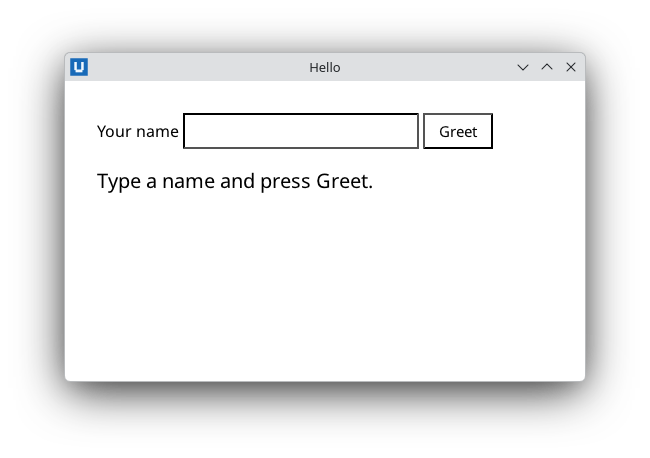
Real capture on KDE Plasma 6.6 Wayland with the released packages.
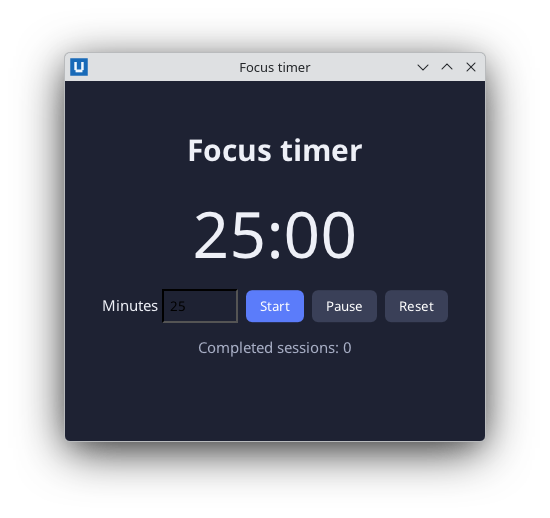
Real capture on KDE Plasma 6.6 Wayland with the released packages.
The skeleton
param([string]$Folder)                 # 1. parameters: parsed in both runs
$ErrorActionPreference = 'Stop'
Import-Module NativeHTMLKit

$app = Start-NativeHTMLKitScript -Name 'Folder report'   # 2. the dividing line
try {
    $window = New-NativeHTMLKitWindow -Application $app -Title 'Folder report'
    $doc = Open-NativeHTMLKitHtml -Window $window -Html $html
    $null = Register-NativeHTMLKitDocumentEvent -Document $doc -Type click -Element refresh -Callback { Update-Report }
    Update-Report                       # 3. initial content
    Set-NativeHTMLKitReady -Application $app
    Wait-NativeHTMLKit -Application $app -UntilShutdown  # 4. run until the user quits
} finally {
    Close-NativeHTMLKit -Application $app                # 5. always
}
1. Start-NativeHTMLKitScript runs your script twice
When you run pwsh -File ./report.ps1 -Folder C:\Data, the first process becomes the
launcher: Start-NativeHTMLKitScript writes a private temporary manifest, starts the native
host, and waits. The host starts pwsh -NoProfile -NonInteractive -File ./report.ps1 -Folder C:\Data
again, the backend. In the backend, the same call connects to the host and returns the
application object. When the host exits, the launcher exits with the host's exit code, so the
launcher never executes the lines after the call.
Consequences:
- Everything above the call runs twice. Put only
param(),Import-Moduleand pure definitions there. Side effects (writing files, prompting, starting services) go below. - Script parameters reach the backend because the launcher reuses the command-line arguments. If
you dot-source or call the script from an interactive prompt, pass them explicitly with
-ArgumentList. - The backend runs with
-NoProfile -NonInteractive:Read-Host,Get-Credentialprompts and profile functions are not available. Collect input in the window. - Standard output and errors of the backend are relayed by the host to the launcher's console, so
Write-Hostand errors still appear where you started the app. $PSScriptRootand$PSCommandPathrefer to the script in both runs; the backend's working folder is the launcher's current folder.
2. Build the first screen, then Set-NativeHTMLKitReady
Create at least one window, load its document, register handlers and fill initial content, then
call Set-NativeHTMLKitReady. The host enforces a startup deadline
(-StartupTimeoutMilliseconds, default 30 s) for reaching ready. Before ready, closing the only
window cancels startup.
Set-NativeHTMLKitReady without any window fails (RpcException -32008, invalid state).
3. Wait-NativeHTMLKit -UntilShutdown is the event loop
All callbacks run inside Wait-NativeHTMLKit (and inside any command that waits for the host).
-UntilShutdown returns when the host shuts the app down, after the user closed the last window
or a quit was accepted. For periodic work, prefer a background task timer
(06-log-tail.ps1, 12-live-chart.ps1)
over a hand-written loop; if you need a loop, use the pump form:
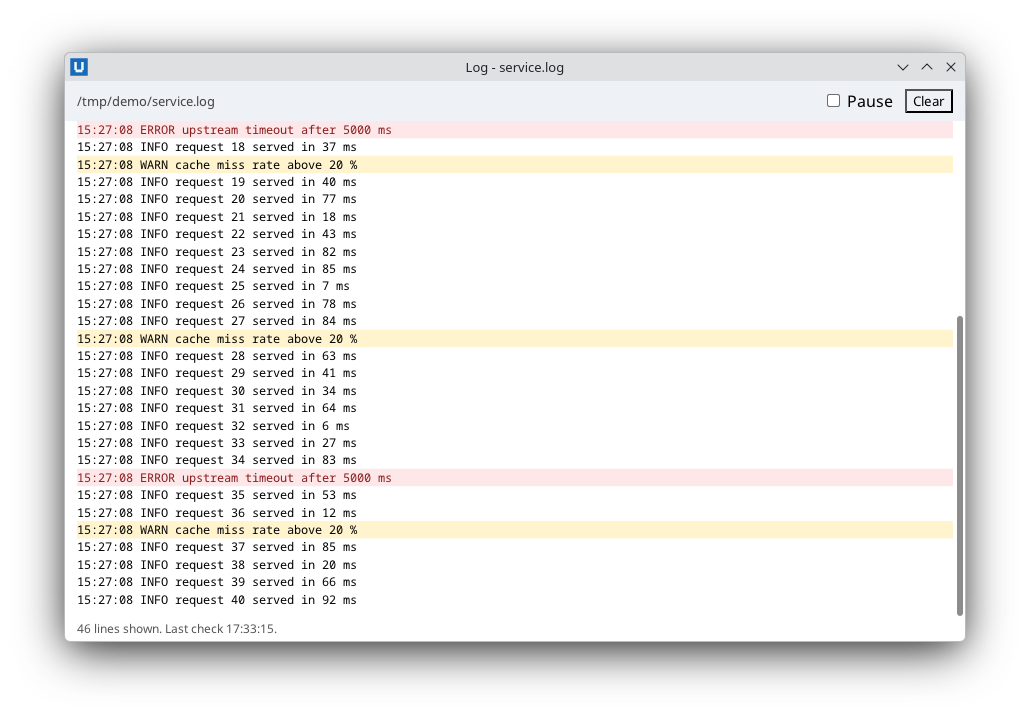
Real capture on KDE Plasma 6.6 Wayland with the released packages.
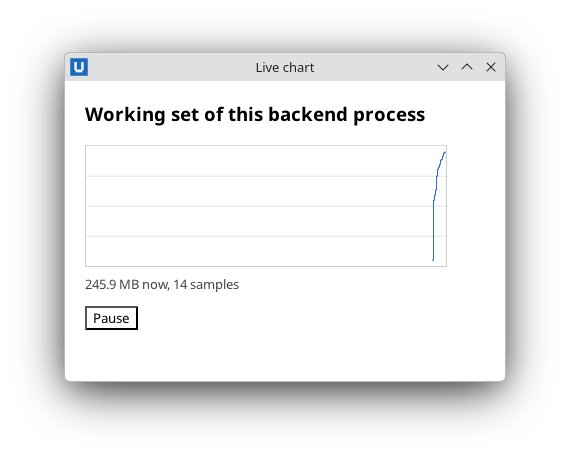
Real capture on KDE Plasma 6.6 Wayland with the released packages.
while ($true) {
    $null = Wait-NativeHTMLKit -Application $app -TimeoutMilliseconds 200
    if ((Get-NativeHTMLKitDiagnosticReport -Application $app).Connection.ShutdownRequested) { break }
    Update-Clock
}
4. Quitting: use Request-NativeHTMLKitQuit
A Quit button or menu item should call Request-NativeHTMLKitQuit. The host asks the quit policy
(Set-NativeHTMLKitBeforeQuit), then shuts down every window, and Wait-NativeHTMLKit
-UntilShutdown returns. The host exits with code 0.
$null = Register-NativeHTMLKitDocumentEvent -Document $doc -Type click -Element quit -Callback {
    $null = Request-NativeHTMLKitQuit -Application $app
}
Set-NativeHTMLKitBeforeQuit -Application $app -Callback { -not $script:busy }   # last output decides
Do not end the app by calling Close-NativeHTMLKit from a callback: it does stop the event
loop, but the host was never asked to quit, so it reports
nativehtmlkit-host error: application failed (reason=Backend connection lost: peer disconnected)
and exits with code 1 (observed with Core 1.0.3).
5. Close-NativeHTMLKit in finally
Close-NativeHTMLKit retires every handle, removes callbacks and requests cancellation of
background tasks. It accepts $null and is idempotent, so a finally block is always safe. If an
exception escapes your script, PowerShell reports it, the backend exits, and the host exits with
code 1 and application failed on stderr: the error is visible in the launcher's console.
Ask before quitting, save after shutdown
A quit policy can veto a quit and ask the user instead. The host calls it for every quit request,
including the one that follows closing the last window. Show an HTML <dialog> and return $false;
the dialog's button sets a flag and asks again:
Set-NativeHTMLKitBeforeQuit -Application $app -Callback {
    if ($timer.Running -and -not $timer.AllowQuit) {
        Show-NativeHTMLKitHtmlDialog -Document $doc -Element confirm-quit
        $false
        return
    }
    $true
}
$null = Register-NativeHTMLKitDocumentEvent -Document $doc -Type click -Element quit-anyway -Callback {
    $timer.AllowQuit = $true
    Show-NativeHTMLKitHtmlDialog -Document $doc -Element confirm-quit -Close -ReturnValue quit
    $null = Request-NativeHTMLKitQuit -Application $app      # the policy runs again and now allows it
}
The policy only runs after Set-NativeHTMLKitReady; a quit requested earlier is not offered to it.
Code after Wait-NativeHTMLKit -UntilShutdown runs once the host has shut down. It is the place to
save state, with plain PowerShell only: the windows are gone and commands that talk to the host fail.
Wait-NativeHTMLKit -Application $app -UntilShutdown
# The host has shut down: plain PowerShell only from here on.
Set-Content -LiteralPath $statsPath -Value (ConvertTo-Json @{ completed = $timer.Completed } -Compress) -Encoding UTF8
Per-application folders for such files come from the host:
(Invoke-NativeHTMLKitRpc -Application $app -Method 'desktop.paths') returns config, data,
cache, state and runtime (XDG folders on Linux, AppData folders on Windows), named after the
-AppId. The host does not create them; create the folder before writing.
17-focus-timer.ps1 and
04-todo-list.ps1 use them.
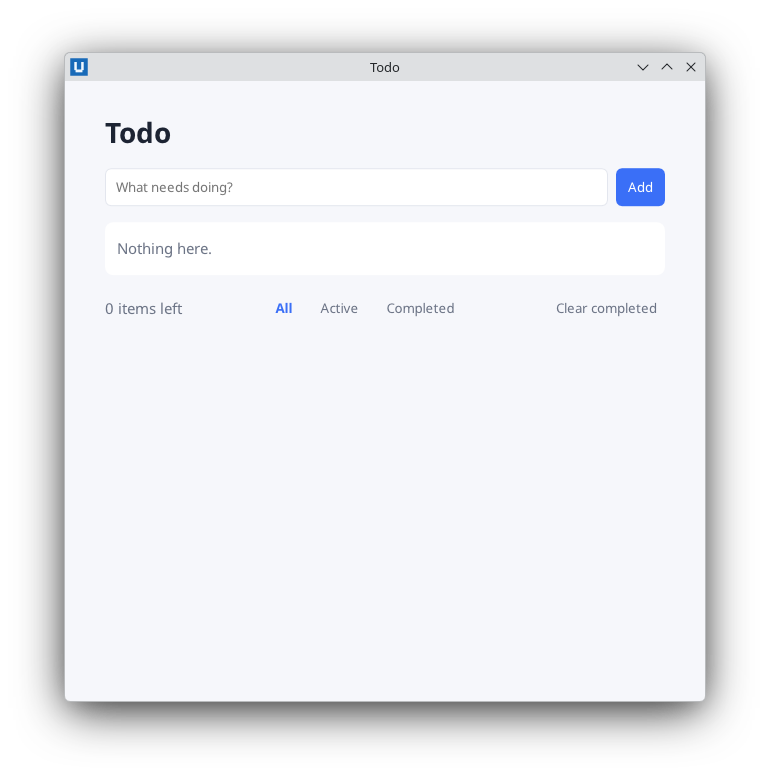
Real capture on KDE Plasma 6.6 Wayland with the released packages.
Running a manifest instead
Deployments that start the host themselves use an app.toml (see
project scaffolding): Start-NativeHTMLKitHost -Manifest ./app.toml
or nativehtmlkit-host run --app app.toml. The backend script then calls
Start-NativeHTMLKitScript (which only connects in that case) or Connect-NativeHTMLKit.
Single instance
By default (-Instance single) a second launch of the same script (same AppId) is forwarded to
the running instance instead of starting a second app. Use -Instance multiple for tools that may
run several times, and set a fixed -AppId such as org.example.Inventory when the script may be
moved (the default AppId is derived from the script path).
Testing without a desktop
NATIVEHTMLKIT_TEST_MODE=1 makes the launcher start the host with --headless: the whole
protocol runs without windows on screen, so scripted checks can create windows, load documents,
submit forms, read back text and quit. There is no native input, clipboard or file dialog. All
examples in this repository accept -SelfTest and are run this way by tests/Examples.Tests.ps1.
Source: nativehtmlkit-powershell/docs/guides/lifecycle.md · edit the page there.