HTML dialogs and popovers
These are in-document elements rendered by the host, not native OS dialogs (for those see file dialogs).
A modal <dialog>
<dialog id="confirm">
  <p>Delete this item?</p>
  <button id="confirm-yes">Delete</button> <button id="confirm-no">Cancel</button>
</dialog>
def ask(_event):
    document.show_dialog("confirm")            # modal=True by default

def answered(event):
    if event["element"] == "confirm-yes":
        delete_selected()
    document.close_dialog("confirm", "yes" if event["element"] == "confirm-yes" else "no")

document.on("click", ask, element="delete")
document.on("click", answered, element="confirm")
close_dialog(id, return_value) closes it and fires close with event["return_value"].
document.command("get_dialog", element="confirm") returns {"open", "modal", "return_value"}.
Pressing Escape on a modal dialog is a native close request: the host fires cancel and close.
As in HTML, that does not reset the return value, so track the outcome of the current opening in
your own state when it matters. cancel is cancelable: document.prevent_default("confirm",
"cancel") keeps the dialog open on Escape.
A form inside a dialog
Put a <form> in the dialog and handle its submit; close the dialog from the handler. This
gives you validation and Enter-to-submit for free:
def on_save(_event):
    entries = {e["name"]: e.get("value", "") for e in document.form_data("settings-form")["entries"]}
    apply(entries)
    document.close_dialog("settings", "saved")

document.on("submit", on_save, element="settings-form")
document.on("close", lambda e: document.set_text("status", "Dialog closed"), element="settings")
Fill the form before show_dialog with set_value, set_checked and set_selected_values, and
move focus with document.focus(...). Native validation (required, min, max) runs before
submit, so an out-of-range value keeps the dialog open.
Report the outcome from the button and submit handlers rather than from close: after Escape the
dialog still carries the return value of its previous closing.
settings_dialog.py
does this: Save writes the JSON file, applies the settings and calls
close_dialog("settings", "saved"); Cancel calls close_dialog("settings", "cancelled").
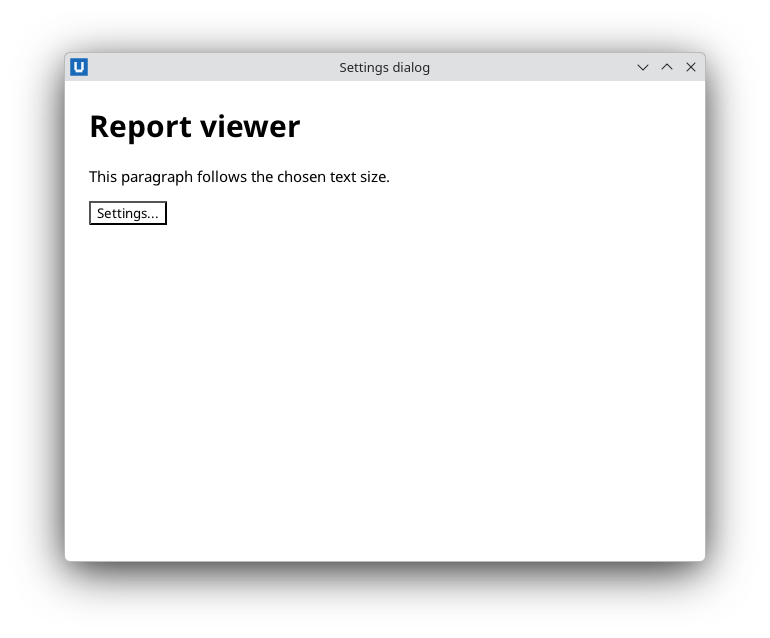
Real capture on KDE Plasma 6.6 Wayland with the released packages.
Popovers
<button id="help-button">?</button>
<div id="help" popover>Shortcuts: Ctrl+S saves, Escape cancels.</div>
document.on("click", lambda e: document.toggle_popover("help"), element="help-button")
show_popover, hide_popover and toggle_popover (returns the new open state) work on elements
with the popover attribute. document.command("get_popover", element="help") returns
{"open", "kind"}. Popovers and dialogs fire beforetoggle and toggle with old_state /
new_state; these do not bubble, so subscribe on the element itself.
Source: nativehtmlkit-python/docs/guides/dialogs-and-popovers.md · edit the page there.