How to handle the keyboard and focus
Reference: events, focus and selection, Set-NativeHTMLKitPreventDefault. Examples: 13-keyboard-shortcuts.ps1 (shortcut table, Tab in an editor), 04-todo-list.ps1 (Enter submits, Escape cancels, focus moves into the edit field).
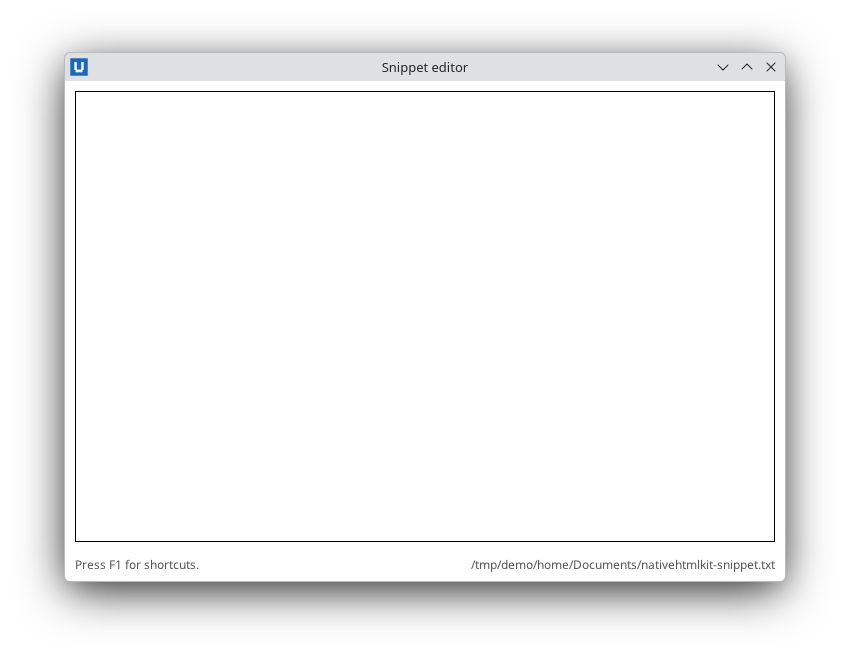
Real capture on KDE Plasma 6.6 Wayland with the released packages.
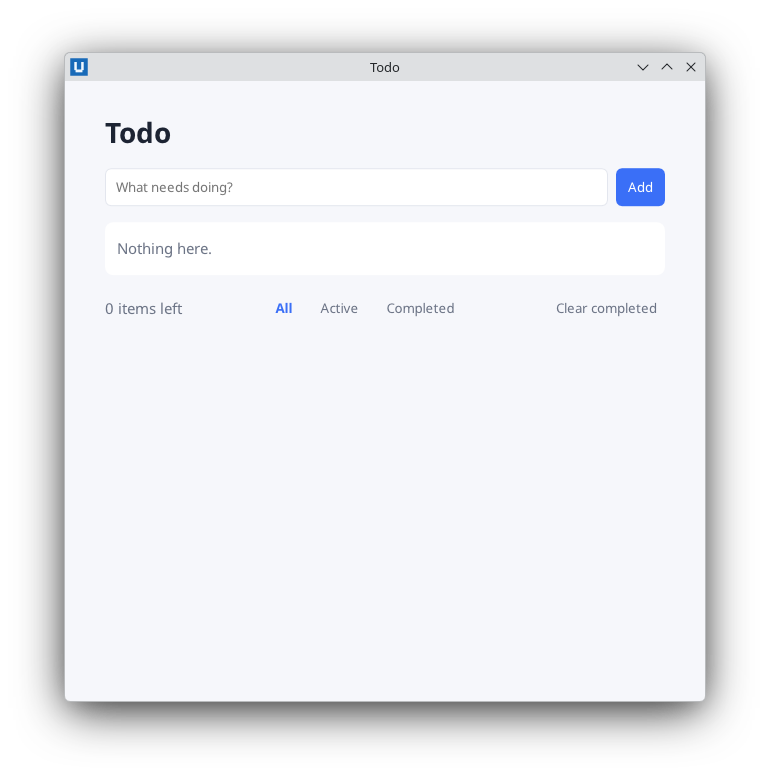
Real capture on KDE Plasma 6.6 Wayland with the released packages.
The host handles the keyboard natively: typing, caret movement, Tab navigation, Enter in forms and
Escape in dialogs all work without any PowerShell code. Your script observes keys through
keydown/keyup events and moves the focus with Set-NativeHTMLKitFocus.
Shortcuts with keydown
A keydown event carries key (the DOM key name: a, S, Enter, Escape, Tab, F1,
ArrowDown, ...), code (the physical key), repeat and the modifier flags ctrl, shift,
alt, meta. Build a chord string and look it up in a table of scriptblocks:
$shortcuts = @{
    'ctrl+s'       = { Save-Snippet }
    'ctrl+shift+u' = { Convert-SelectionToUpper }
    'f1'           = { $null = Show-NativeHTMLKitPopover -Document $doc -Element help -Action toggle }
}

function ConvertTo-Chord($KeyEvent) {
    $parts = @()
    if ($KeyEvent.ctrl) { $parts += 'ctrl' }
    if ($KeyEvent.alt) { $parts += 'alt' }
    if ($KeyEvent.shift) { $parts += 'shift' }
    if ($KeyEvent.meta) { $parts += 'meta' }
    $parts += ([string]$KeyEvent.key).ToLowerInvariant()
    return ($parts -join '+')
}

# Without -Element the handler sees every keydown in the document.
$null = Register-NativeHTMLKitDocumentEvent -Document $doc -Type keydown -Callback {
    param($evt)
    $chord = ConvertTo-Chord $evt
    if ($shortcuts.ContainsKey($chord)) { & $shortcuts[$chord] }
}
With -Element, only keys pressed while the focus is inside that element arrive, which is how a
list reacts to Escape only while one of its rows is being edited:
$null = Register-NativeHTMLKitDocumentEvent -Document $doc -Type keydown -Element todos -Callback {
    param($evt)
    if ($evt.key -eq 'Escape' -and $null -ne $state.Editing) { Stop-TodoEdit }
}
With Shift held, key is the shifted character (U, not u), so the chord helper lower-cases it.
Use $evt.code (KeyU) when you care about the physical key rather than the character.
Stop a default action: register it before the key arrives
Callbacks run after the host has already performed the default action, so a callback cannot stop Tab from moving the focus or Enter from submitting a form. Register a rule up front instead:
# Tab (without Shift) indents in the editor instead of moving focus; the keydown handler inserts spaces.
Set-NativeHTMLKitPreventDefault -Document $doc -Element editor -EventType keydown -Key Tab -Shift $false

# Enter in the search box must not submit the surrounding form.
Set-NativeHTMLKitPreventDefault -Document $doc -Element search -EventType keydown -Key Enter
-Key is case-sensitive and matches the DOM key name. A modifier you do not pass matches either
state. The rule applies to the element and everything inside it; at most 256 rules per document.
Enter and Escape for free
- Enter in a form submits it (HTML implicit submission): the
submitevent arrives, and arequiredfield that is empty blocks the submission and getsinvalidinstead. This is why the examples handlesubmiton a<form>rather thanclickon its button. - Escape in a modal
<dialog>sendscanceland thenclose. Escape on anautopopover closes it. See dialogs and popovers.
Move the focus
Set-NativeHTMLKitFocus -Document $doc -Element edit-title        # focus an element (or -Node)
$focused = Get-NativeHTMLKitFocusedElement -Document $doc        # .element (id or $null), .node
Set-NativeHTMLKitFocus -Document $doc -Blur                      # nobody has the focus afterwards
Behaviour checked with Core 1.0.3 in headless mode:
- Focusing an element that cannot take the focus (a heading without
tabindex, a disabled control, an element made inert by a modal dialog) throwsNativeHTMLKit.RpcExceptioncode -32602FOCUS_MOVE_REJECTED: not a focusable area. Wrap the call intry/catchwhen the target may be hidden or disabled. - A successful focus change sends
focusandfocusinevents for the new element, like a click. - Opening a modal dialog with
Show-NativeHTMLKitHtmlDialogfocuses its first focusable control. - After a document loads, no element had the focus in headless mode, even with an
autofocusattribute. When the first field should have the focus, callSet-NativeHTMLKitFocusafter loading the page.
After re-rendering a region with Set-NativeHTMLKitDocumentHtml, the old elements are gone and so
is their focus. Focus the new element explicitly, as the todo list does after switching a row into
edit mode:
$state.Editing = $id
Update-Todos                                              # renders <input id="edit-title">
Set-NativeHTMLKitFocus -Document $doc -Element edit-title
Tab order
Sequential Tab navigation follows the document order of focusable elements: links, buttons and
form controls, plus any element with tabindex="0". tabindex="-1" makes an element focusable
from PowerShell but skips it with Tab. Positive tabindex values reorder navigation, but they make
forms hard to follow; prefer arranging the markup in the order you want. Disabled controls and
everything behind an open modal dialog are skipped.
Style the focus ring with :focus-visible (keyboard focus) rather than :focus, and use
:focus-within to highlight the row or card that contains the focused control:
button:focus-visible, input:focus-visible { outline: 2px solid #3a6ff7; outline-offset: 2px; }
li:focus-within { background: #eef3ff; }
Caret and selection in text controls
$sel = Get-NativeHTMLKitSelection -Document $doc -Element editor        # start, end (UTF-16 offsets), direction
$null = Set-NativeHTMLKitSelection -Document $doc -Element editor -Start 0 -End 5
# Replace the selection (or insert at the caret) and put the caret after the new text:
$null = Invoke-NativeHTMLKitDocumentCommand -Document $doc -Operation replace_control_range -Parameters @{
    element = 'editor'; replacement = '    '; selection_mode = 'end' }
length in the selection result is the length of the whole value, not of the selection: use
end - start. Invoke-NativeHTMLKitEditCommand runs undo, redo, cut, copy, paste,
select_all and delete through the native editor.
Testing keyboard code without a keyboard
Headless mode (NATIVEHTMLKIT_TEST_MODE=1) has no synthetic key presses. Keep the action behind
each shortcut in a function or scriptblock and call it from the test, or pass an object with the
same fields as a real event to your dispatcher, as the -SelfTest of
13-keyboard-shortcuts.ps1 does. Check real key
handling, focus rings and screen-reader announcements once on each desktop you support.
Source: nativehtmlkit-powershell/docs/guides/keyboard-and-focus.md · edit the page there.