NativeHTMLKit
Native desktop windows from HTML and CSS, driven by Python or PowerShell. No browser engine, no JavaScript, no local web server: a small Rust host renders your page and sends your program the user's events over a private local connection.
Build with the SDK
-
uv add nativehtmlkit. Open windows, load your own HTML and CSS, react to events, update the page, use native dialogs, the clipboard and live bitmaps. -
Install-Module NativeHTMLKit. The same features as cmdlets, plus background tasks. PowerShell 7.2+ on Linux and Windows, Windows PowerShell 5.1 on Windows.
Both SDKs work the same on Linux and Windows (the few differences are on Linux and Windows) and mirror each other one to one. Each section has getting started, step-by-step tutorials, task guides, complete examples with screenshots and source, and the full API reference.
Start here: Install and first steps · Platform requirements · Linux and Windows · Project status
Focus on Core
Development is focused on Core, the native host and renderer. The UI library, command-line tool, Demo and AppShell are under development and not public for now. See Project status.
What it looks like
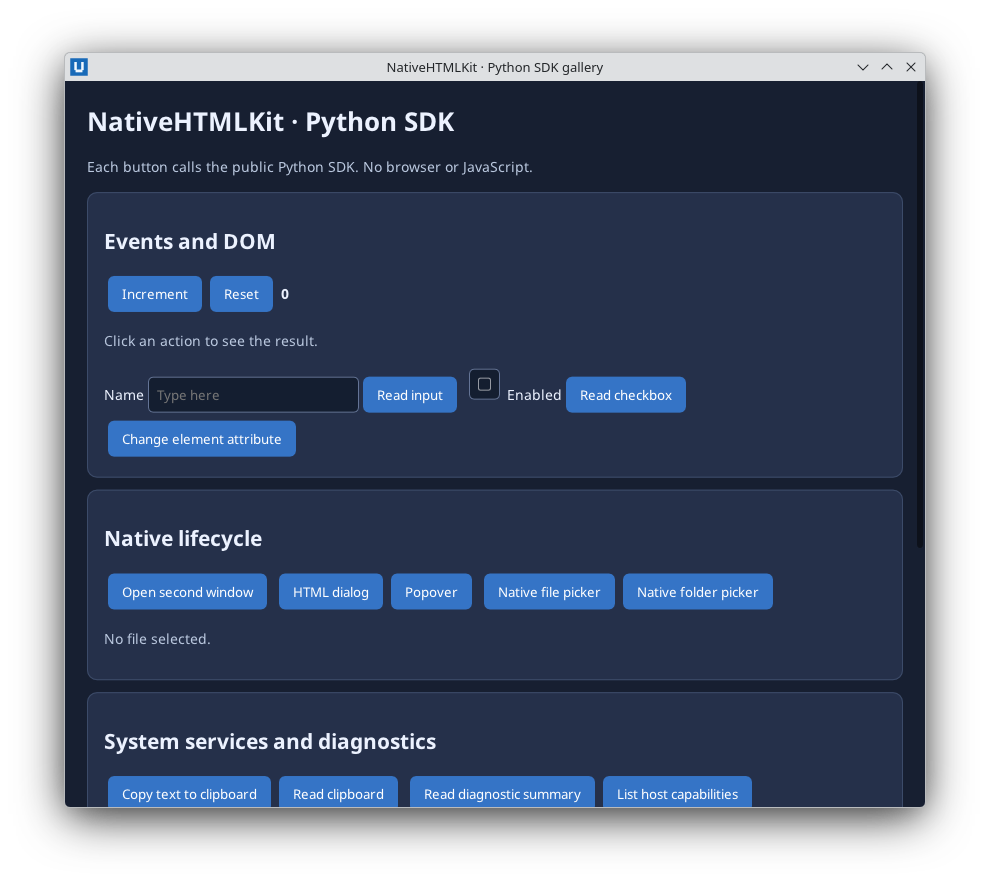
Real capture: the Python SDK gallery on KDE Plasma 6.6 Wayland (Core 1.0.3, Python SDK 0.1.2).
A complete app in a few lines
from nativehtmlkit import Application

with Application.start(name="Hello") as app:
    window = app.open_html('<h1 id="title">Hello</h1><button id="go">Click me</button>')
    window.document.on("click", lambda e: window.document.set_text("title", "Clicked!"), element="go")
    app.run()
Import-Module NativeHTMLKit
$app = Start-NativeHTMLKitScript -Name 'Hello'
try {
    $window = New-NativeHTMLKitWindow -Application $app -Title 'Hello'
    $doc = Open-NativeHTMLKitHtml -Window $window -Html '<h1 id="title">Hello</h1><button id="go">Click me</button>'
    $null = Register-NativeHTMLKitDocumentEvent -Document $doc -Type click -Element go -Callback {
        Set-NativeHTMLKitDocumentText -Document $doc -Element title -Text 'Clicked!'
    }
    Set-NativeHTMLKitReady -Application $app
    Wait-NativeHTMLKit -Application $app -UntilShutdown
} finally { Close-NativeHTMLKit -Application $app }
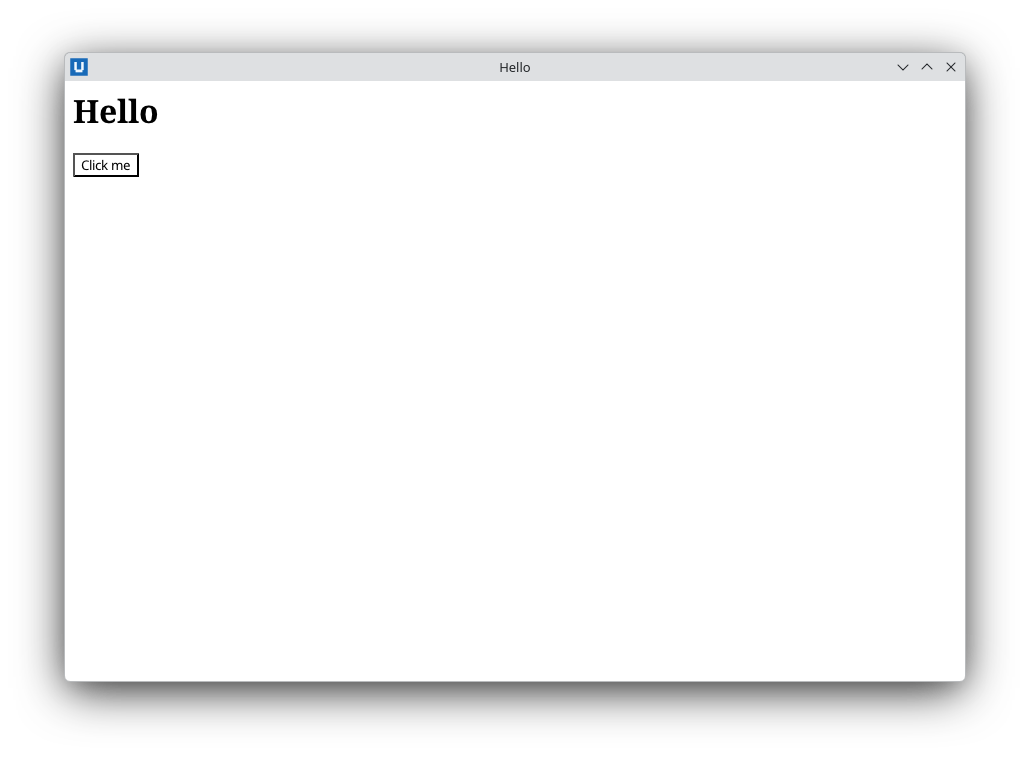
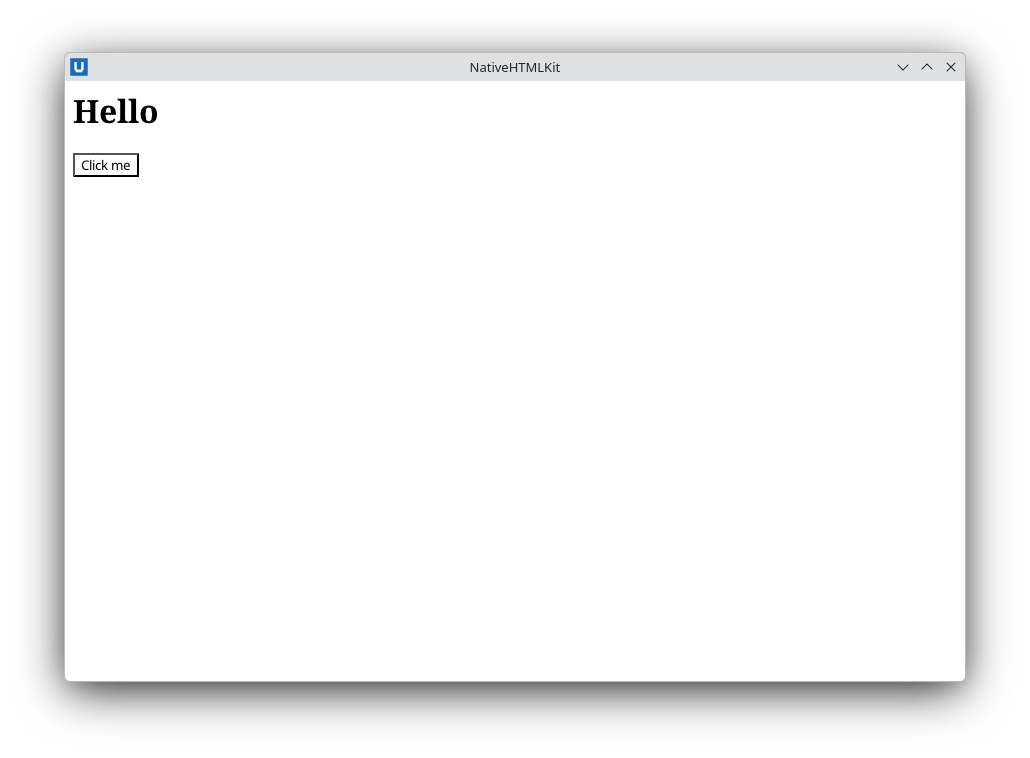
Screenshots are real captures with the released packages on KDE Plasma 6.6 Wayland.
Packages
| Entry point | Package | For |
|---|---|---|
| Python SDK | nativehtmlkit 0.1.2 (uv add nativehtmlkit) |
Windows, documents, events, dialogs, clipboard and live bitmaps |
| PowerShell SDK | NativeHTMLKit 0.1.2 |
The same features as cmdlets, plus background tasks |
The SDKs bundle the native host, Core 1.0.3 (wire protocol v1, stable). Target desktops are KDE Plasma on Wayland (Linux) and Windows; see the capability matrix and limitations. Every example on this site is run against the released packages before it is published.
What it is not
NativeHTMLKit is not a web browser, not a web UI framework and not a plugin platform. It runs no JavaScript, loads nothing from the network, and implements a documented HTML and CSS profile rather than the whole web platform. See Why native? and Concepts.