How to build forms with validation
Reference: forms. Examples: 03-form-validation.ps1, 09-settings-dialog.ps1.
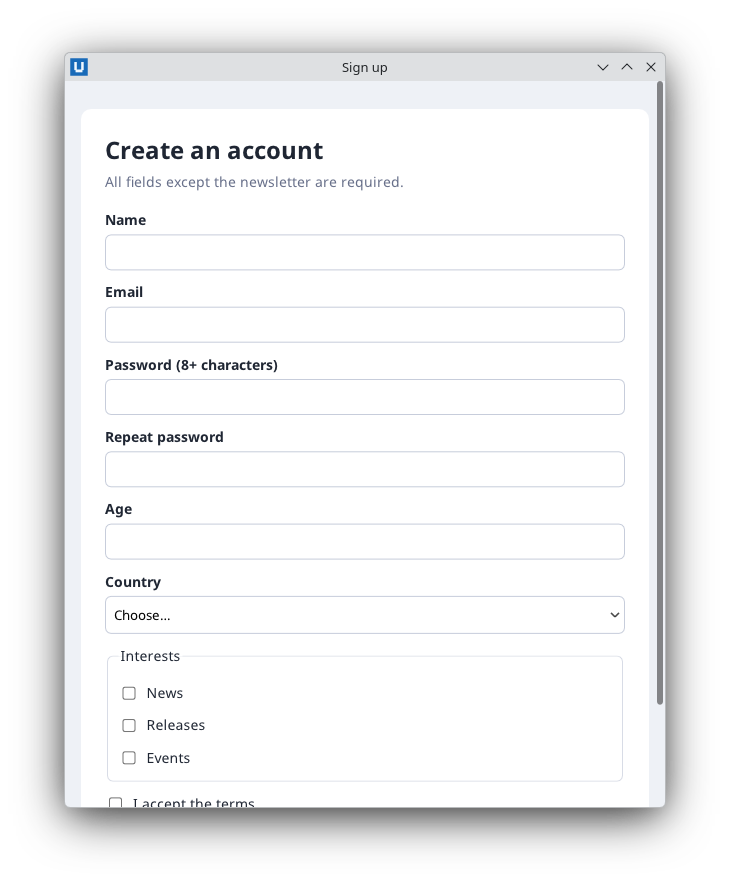
Real capture on KDE Plasma 6.6 Wayland with the released packages.
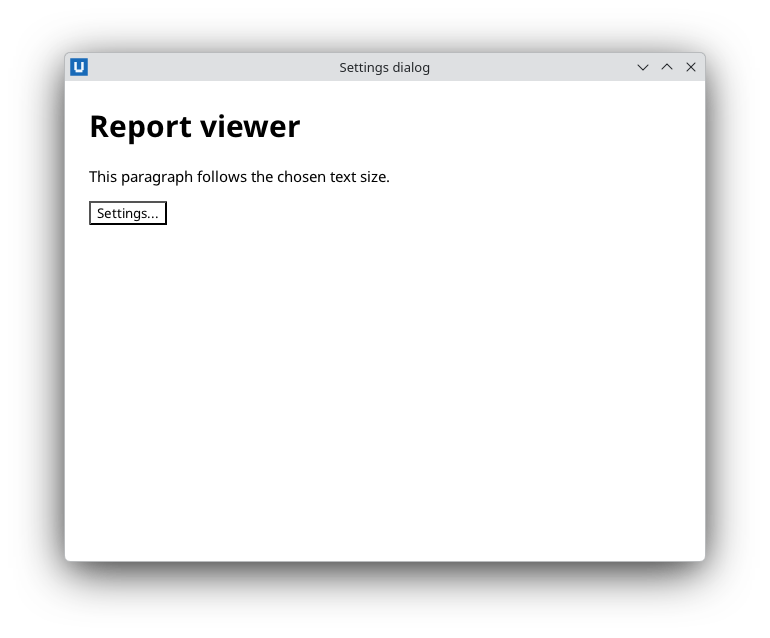
Real capture on KDE Plasma 6.6 Wayland with the released packages.
Let the native form validate first
Write the HTML constraints you can (required, type="email", min/max, minlength,
maxlength, pattern) and handle the submit event. The host validates before it dispatches
submit; for an invalid form it dispatches one invalid event per failing control, in document
order, and your submit handler does not run. Pressing Enter in a field or clicking a
type="submit" button submits; there is no page navigation.
invalid does not bubble (its path holds only the control), so subscribe document-wide and
collect the messages into an error summary. The event's validity.message is the native message:
$null = Register-NativeHTMLKitDocumentEvent -Document $doc -Type invalid -Callback {
    param($evt)
    # One event per invalid control, in document order, before (instead of) 'submit'.
    $element = [string]$evt.element
    if (-not $script:labels.ContainsKey($element)) { return }
    $message = 'Invalid value'
    if ($null -ne $evt.validity -and $evt.validity.message) { $message = [string]$evt.validity.message }
    $script:errors.Add($script:labels[$element] + ': ' + $message)
    Show-Errors
    Set-NativeHTMLKitDocumentText -Document $doc -Element result -Text ''
}
Show-Errors renders the list with every message encoded by [Net.WebUtility]::HtmlEncode.
Read all values at once
$values = @{}
foreach ($entry in @((Get-NativeHTMLKitFormData -Document $doc -Form signup).entries)) {
    # Ordered; checkboxes may repeat a name.
    if (-not $values.ContainsKey($entry.name)) { $values[$entry.name] = New-Object System.Collections.Generic.List[string] }
    $values[$entry.name].Add([string]$entry.value)
}
Entries follow the HTML rules: unchecked checkboxes are absent, a checked checkbox without a
value attribute reports on, and repeated names (multi-select, several checkboxes with one name)
appear several times, which is why each name collects a list.
Add your own rules
For a rule HTML cannot express, such as two passwords that must match, set a custom validity
message. It makes the control invalid, so the native validation blocks the submit and reports the
message in the control's invalid event, until an empty message clears it:
function Update-PasswordMatch {
    # A custom validity message makes the control invalid until it is cleared again.
    $same = (Get-NativeHTMLKitValue -Document $doc -Element password) -ceq (Get-NativeHTMLKitValue -Document $doc -Element confirm)
    $message = ''
    if (-not $same) { $message = $mismatch }
    $null = Invoke-NativeHTMLKitDocumentCommand -Document $doc -Operation set_custom_validity -Parameters @{ element = 'confirm'; message = $message }
}
Run it from the input events of both fields and once more before a programmatic submit.
Callbacks run after native dispatch, so a fast typist can submit before the last input event
updated the custom validity: check the rule again in the submit handler. Rules that need lookups
(reserved names, a directory query) belong in the submit handler too; show their messages next
to the fields (aria-invalid="true" marks them for assistive technology) and move focus to the
first invalid field with Set-NativeHTMLKitFocus.
Fill, reset and drive a form
Set-NativeHTMLKitDocumentValue,Set-NativeHTMLKitChecked,Set-NativeHTMLKitSelectedValuesprefill controls. They do not dispatchinput/changeevents.Reset-NativeHTMLKitFormrestores the initial values; clear your own error texts as well.Submit-NativeHTMLKitFormsubmits programmatically with validation, returningsubmitted = $falsewhen blocked. Scripted checks use it to exercise the real submit path without input devices.
Long-running submit
Do not block the submit handler with slow work (a REST call, a directory query). Disable the
button, start a background task, and re-enable it in -OnCompleted:
$null = Register-NativeHTMLKitDocumentEvent -Document $doc -Type submit -Element request -Callback {
    $user = @((Get-NativeHTMLKitFormData -Document $doc -Form request).entries | Where-Object { $_.name -eq 'user' })[0].value
    Set-NativeHTMLKitDocumentAttribute -Document $doc -Element send -Name disabled
    $null = Start-NativeHTMLKitTask -Application $app -ArgumentList @($user) -ScriptBlock {
        param($user) Start-Sleep -Seconds 2; "Ticket created for $user"
    } -OnCompleted {
        param($result)
        Set-NativeHTMLKitDocumentText -Document $doc -Element status -Text $result[0]
        Set-NativeHTMLKitDocumentAttribute -Document $doc -Element send -Name disabled -Remove
    }
}
Source: nativehtmlkit-powershell/docs/guides/forms-and-validation.md · edit the page there.