How to use HTML dialogs and popovers
Reference: Show-NativeHTMLKitHtmlDialog, Show-NativeHTMLKitPopover. Examples: 09-settings-dialog.ps1, bulk-rename (confirmation dialog), 13-keyboard-shortcuts.ps1 (help popover).
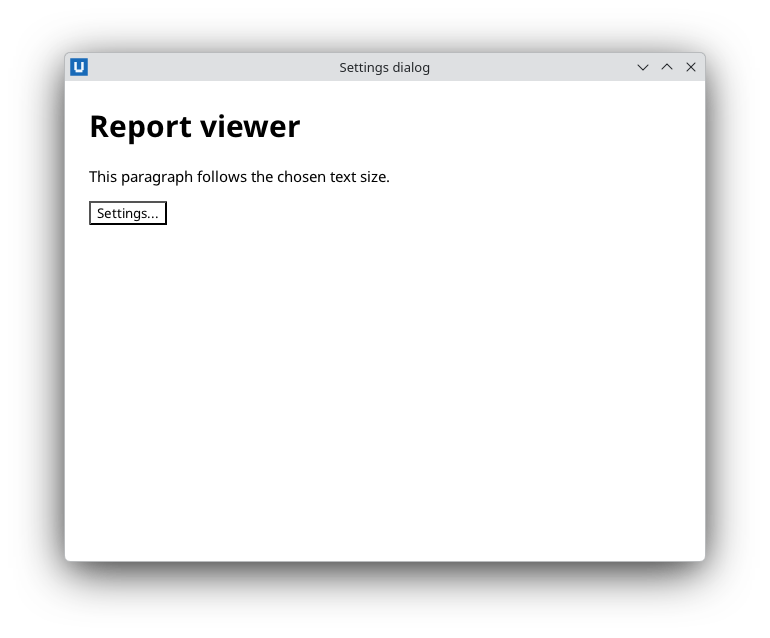
Real capture on KDE Plasma 6.6 Wayland with the released packages.
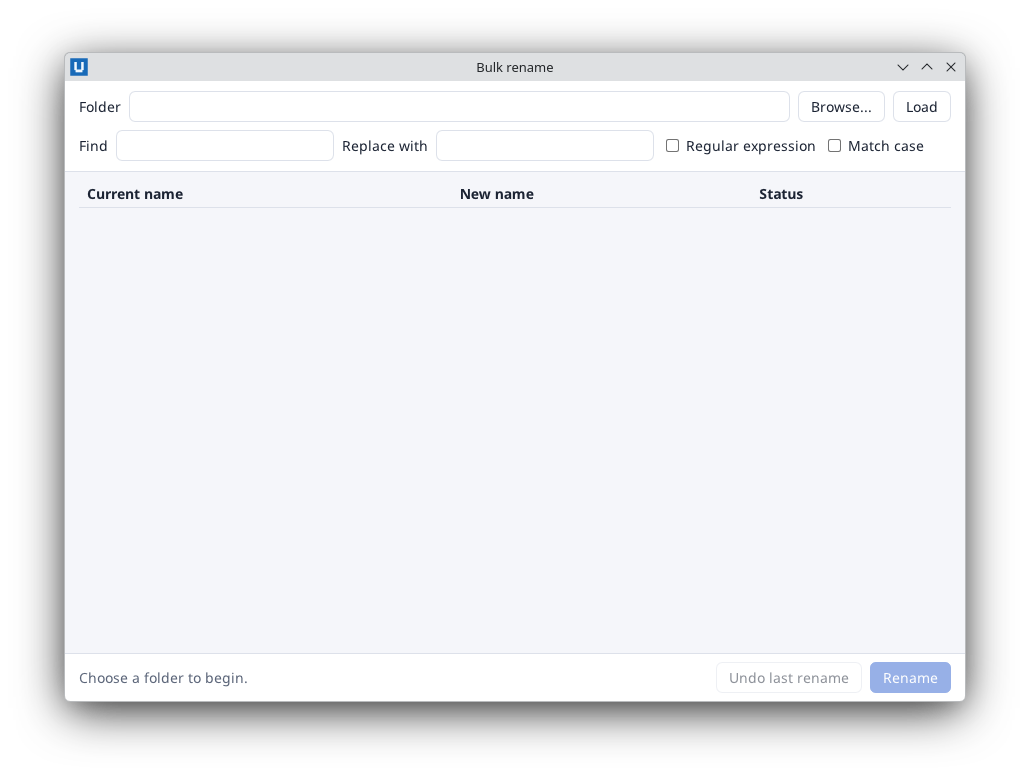
Real capture on KDE Plasma 6.6 Wayland with the released packages.
Real capture on KDE Plasma 6.6 Wayland with the released packages.
HTML <dialog> and popover elements are drawn inside your window by the native renderer. Use them
for confirmations, settings and tips; use native file dialogs for files.
A confirmation dialog
<dialog id="confirm" aria-labelledby="confirm-title">
  <h2 id="confirm-title">Delete 3 files?</h2>
  <button id="confirm-no">Cancel</button> <button id="confirm-yes">Delete</button>
</dialog>
Show-NativeHTMLKitHtmlDialog -Document $doc -Element confirm          # modal: the rest of the page is inert

function Close-Confirm([bool]$Yes) {
    Show-NativeHTMLKitHtmlDialog -Document $doc -Element confirm -Close -ReturnValue ''
    if ($Yes) { Remove-SelectedFiles }
}
$null = Register-NativeHTMLKitDocumentEvent -Document $doc -Type click -Element confirm-yes -Callback { Close-Confirm $true }
$null = Register-NativeHTMLKitDocumentEvent -Document $doc -Type click -Element confirm-no -Callback { Close-Confirm $false }
Show-NativeHTMLKitHtmlDialog returns immediately; it does not wait for the user. Escape closes a
modal dialog (dispatching cancel, then close) without either button being clicked, which here
simply means "no".
Return values persist
A <dialog>'s return value (-ReturnValue, $evt.return_value of the close event, return_value
of get_dialog) follows HTML semantics: it is kept when the dialog is shown again and when it
is closed without a value, for example by Escape. A close handler that acts on
return_value -eq 'yes' would therefore repeat the last "yes" after an Escape. Decide in the
button handlers, as above, or clear your own "confirmed" flag every time you open the dialog. The
close event is still useful for cleanup that should happen however the dialog was closed.
A dialog with a form
Put a <form> inside the dialog and handle its submit event: native validation (min, max,
required) runs first, then your handler saves and closes the dialog with a return value.
09-settings-dialog.ps1 prefills the form before opening
the dialog, saves to JSON and applies the colour scheme.
Inspect the state
$state = Invoke-NativeHTMLKitDocumentCommand -Document $doc -Operation get_dialog -Parameters @{ element = 'confirm' }
$state.open; $state.modal; $state.return_value
Popovers
An element with the popover attribute is hidden until shown; it appears in the top layer.
<button id="help">?</button>
<div id="help-tip" popover>Paths may use * and ? wildcards.</div>
$null = Register-NativeHTMLKitDocumentEvent -Document $doc -Type click -Element help -Callback {
    $open = Show-NativeHTMLKitPopover -Document $doc -Element help-tip -Action toggle   # returns the new state
}
-Action show and -Action hide return nothing. Query the state with the get_popover document
command (open). A toggle event with old_state/new_state reports changes.
Source: nativehtmlkit-powershell/docs/guides/dialogs-and-popovers.md · edit the page there.