How to open, save and choose folders with native dialogs
Reference: Show-NativeHTMLKitFileDialog. Examples: 07-file-preview.ps1, bulk-rename (folder picker).
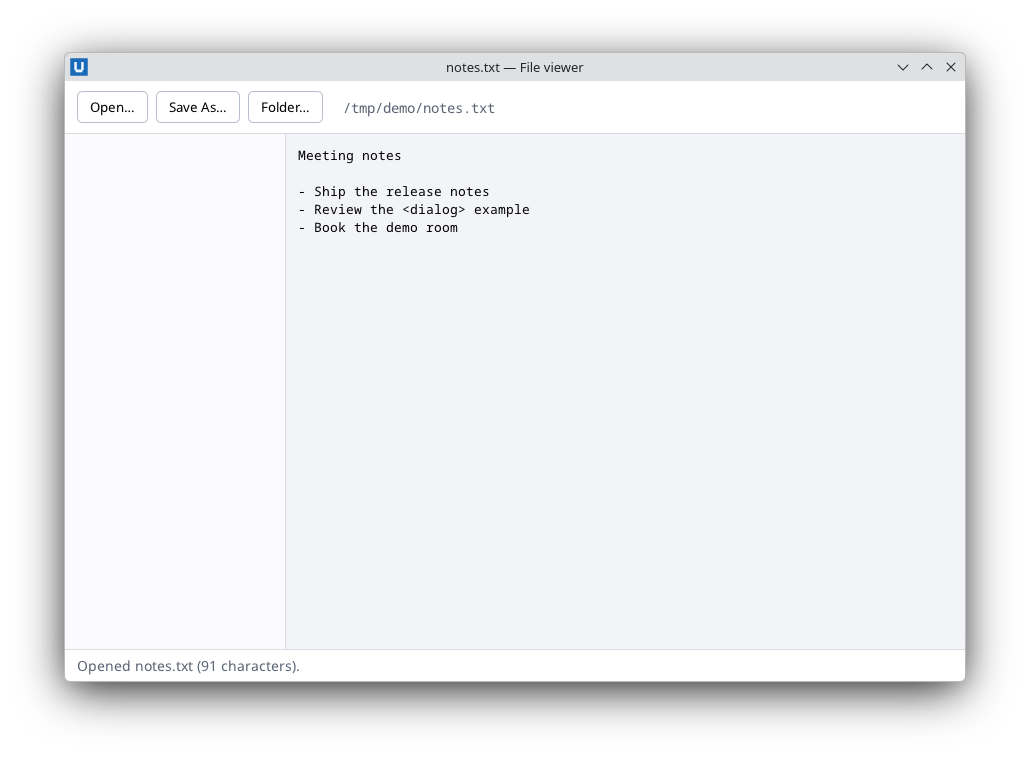
Real capture on KDE Plasma 6.6 Wayland with the released packages.
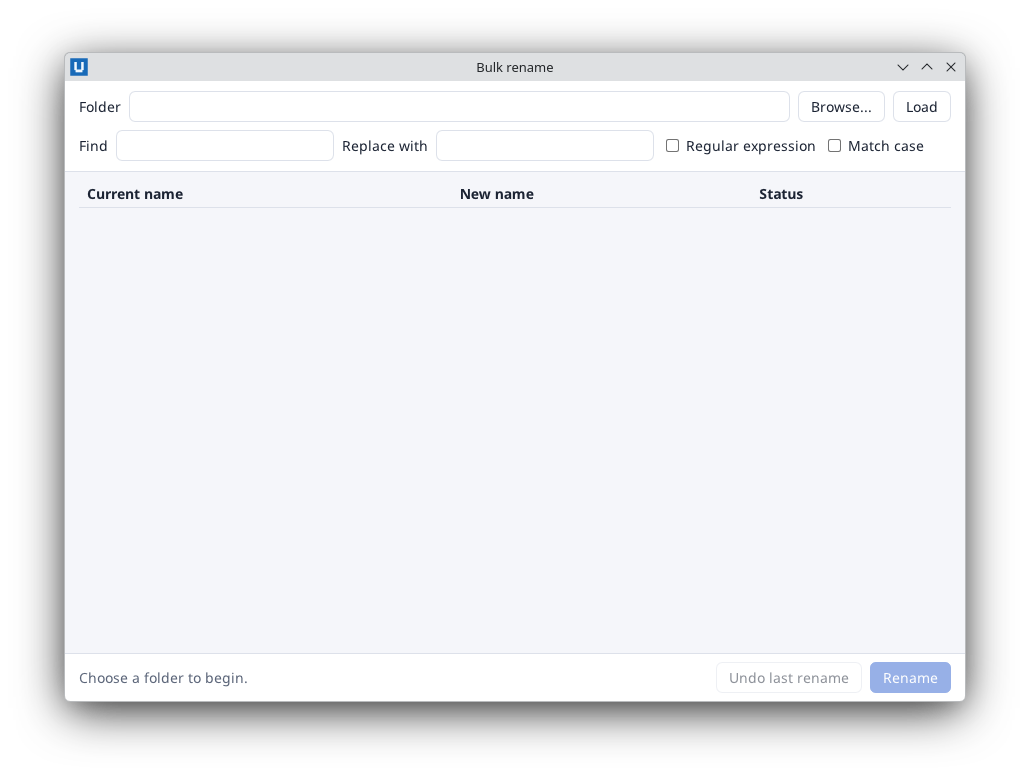
Real capture on KDE Plasma 6.6 Wayland with the released packages.
The dialogs are the desktop's own file dialogs, attached to one of your windows (modal for it).
Open one or several files
try {
    $pick = Show-NativeHTMLKitFileDialog -Window $window -Kind OpenFiles -Title 'Import CSV' -Multiple $true -Filters @(
        @{ name = 'CSV files'; extensions = @('csv') }
        @{ name = 'Text files'; extensions = @('txt', 'log') })
} catch [NativeHTMLKit.RpcException] {
    Set-NativeHTMLKitDocumentText -Document $doc -Element status -Text ('No file dialog: ' + $_.Exception.RpcMessage)
    return
}
if ($pick.cancelled) { return }
foreach ($path in $pick.paths) { Import-Csv -LiteralPath $path | Add-Rows }
The call waits without a deadline while the user decides, and keeps pumping events, so the app
stays responsive. The result is @{ cancelled; paths }; paths are full paths.
Save a file
$target = Show-NativeHTMLKitFileDialog -Window $window -Kind SaveFile -Title 'Export report' -FileName 'report.csv' -Directory ([Environment]::GetFolderPath('MyDocuments')) -Filters @(@{ name = 'CSV'; extensions = @('csv') })
if (-not $target.cancelled) { $rows | Export-Csv -LiteralPath $target.paths[0] -NoTypeInformation }
-FileName is only valid with -Kind SaveFile. Whether the dialog asks before overwriting, and
whether it appends the filter's extension, is decided by the operating system's dialog.
Choose a folder
$folder = Show-NativeHTMLKitFileDialog -Window $window -Kind ChooseFolder -Title 'Folder to scan'
if (-not $folder.cancelled) { Open-Folder $folder.paths[0] }
Not waiting
-NoWait returns a NativeHTMLKit.Request immediately. Await it with Wait-NativeHTMLKitRpc
(same result) or close the dialog from code with Stop-NativeHTMLKitRpc. One native dialog per
window can be open at a time; a second request fails with code -32005 (busy).
When dialogs are unavailable
Headless test mode and some sessions have no native dialogs: the call throws
NativeHTMLKit.RpcException (code -32001, Native file dialogs are unavailable in headless mode).
Check first and offer a fallback, for example a path text box or a script parameter:
$caps = Get-NativeHTMLKitCapabilities -Application $app
if (-not $caps.file_dialogs) { Set-NativeHTMLKitDocumentAttribute -Document $doc -Element browse -Name disabled }
After the dialog
Treat the returned paths as untrusted input: show them with Set-NativeHTMLKitDocumentText or
encode them, read files with -LiteralPath, and handle access errors. To show a file in the file
manager, use Open-NativeHTMLKitExternal -Target $path -Reveal -Window $window.
Native dialogs cannot be exercised by the headless example harness; the examples verify the fallback path. Verify dialog journeys in a desktop session.
Source: nativehtmlkit-powershell/docs/guides/file-dialogs.md · edit the page there.