How to handle events: callbacks, delegation, scope and closures
Reference: events. Examples: 02-counter.ps1 (delegation), 04-todo-list.ps1 (dynamic lists), 08-multi-window.ps1 (closures), 13-keyboard-shortcuts.ps1 (keys).
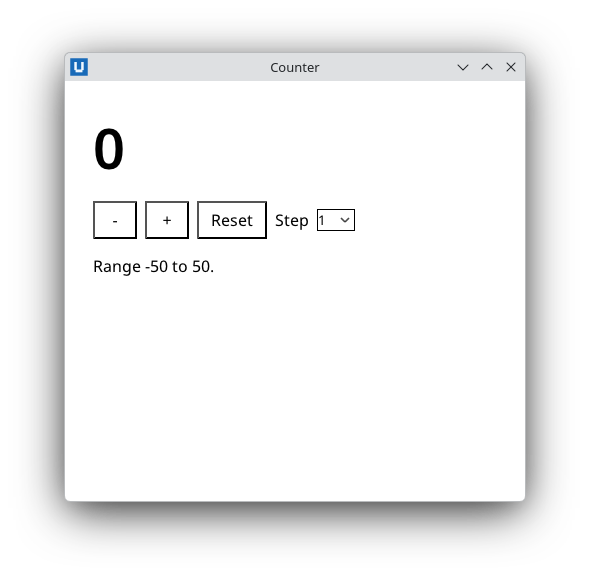
Real capture on KDE Plasma 6.6 Wayland with the released packages.
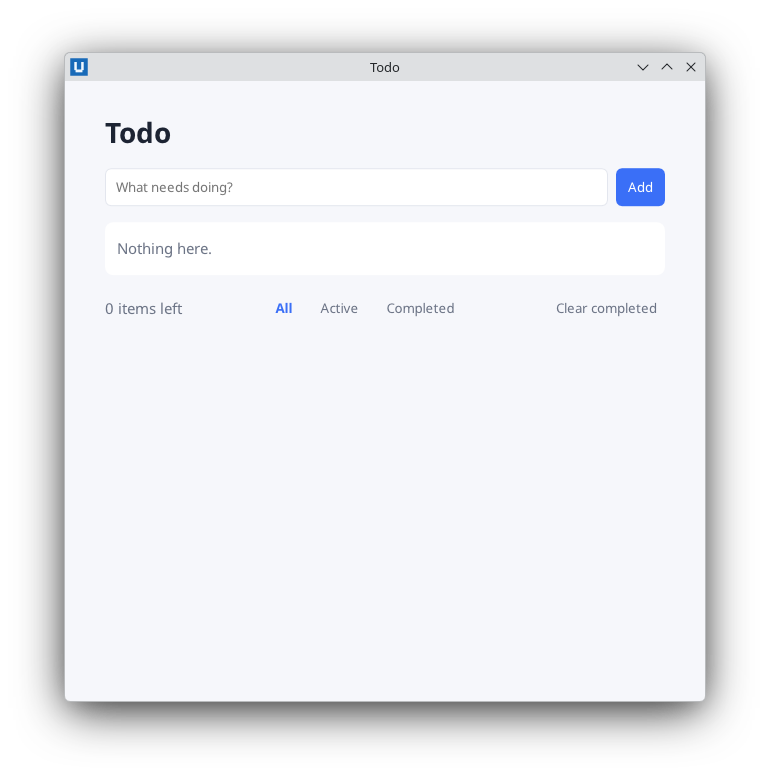
Real capture on KDE Plasma 6.6 Wayland with the released packages.
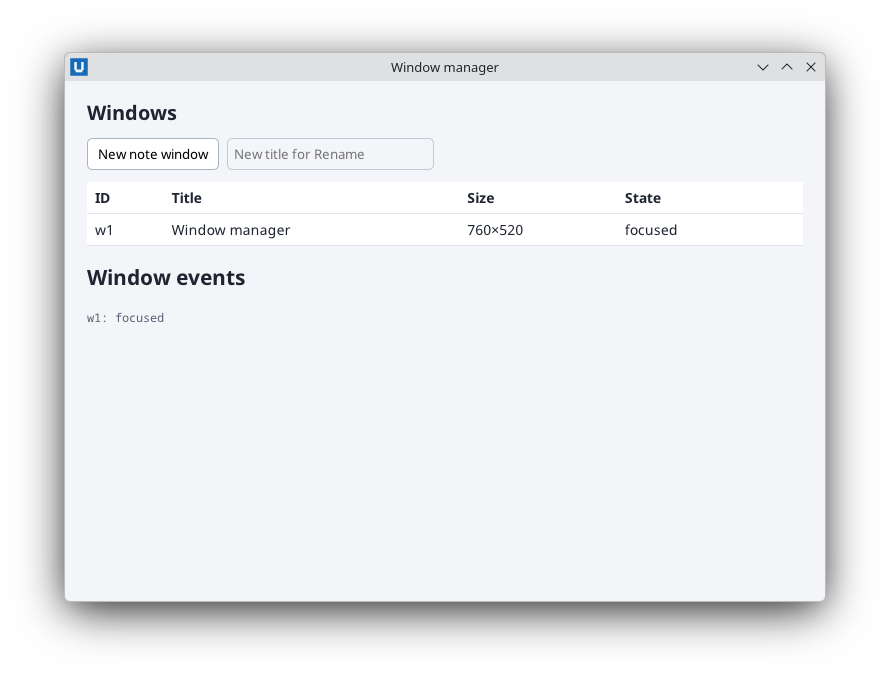
Real capture on KDE Plasma 6.6 Wayland with the released packages.
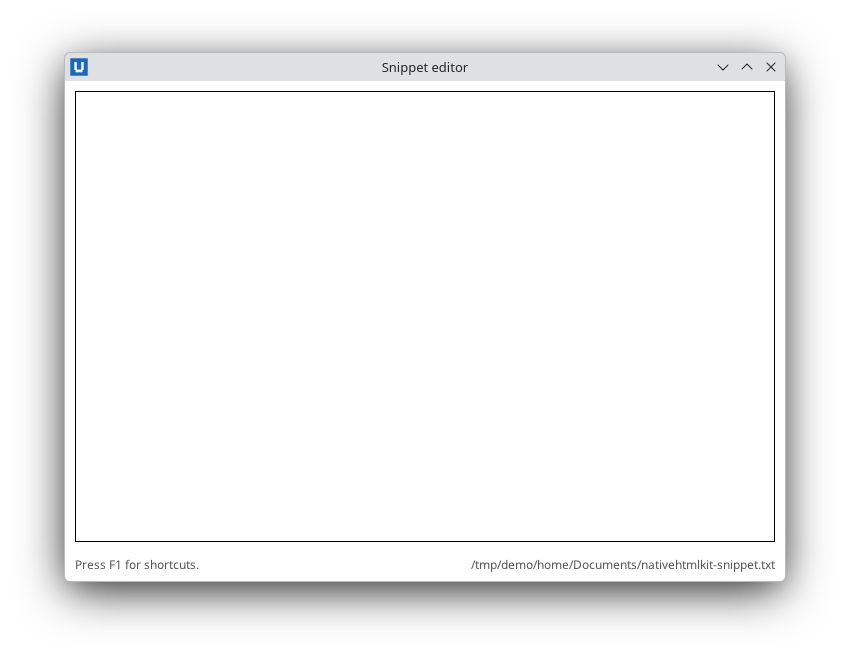
Real capture on KDE Plasma 6.6 Wayland with the released packages.
Register a handler
$null = Register-NativeHTMLKitDocumentEvent -Document $doc -Type click -Element save -Callback {
    param($evt)
    Save-Report
    Set-NativeHTMLKitDocumentText -Document $doc -Element status -Text 'Saved.'
}
- The callback receives one argument, the event object.
Name it
$evtor$e;$eventis a PowerShell automatic variable. - There is no
-Dataparameter on the SDK cmdlet. Pass context by closure (below) or look it up from the event ($evt.element,$evt.value). - The callback's output is discarded; return values do not matter except for close/quit policies.
- Errors inside a callback are caught, written to stderr and counted; the app keeps running.
One handler for many elements: delegation
-Element matches when the id is the event target's nearest id or any id on the event path.
Register once on a stable container and dispatch on $evt.element:
# <div id="toolbar"><button id="new">New</button><button id="open">Open</button>...</div>
$null = Register-NativeHTMLKitDocumentEvent -Document $doc -Type click -Element toolbar -Callback {
    param($evt)
    switch ($evt.element) {
        'new'  { New-Entry }
        'open' { Open-Entry }
    }
}
For lists you re-render, encode the row identity in the child ids (todo-17-delete) and parse it
with a regular expression, as 04-todo-list.ps1 does. Handlers on
elements that you replace with Set-NativeHTMLKitDocumentHtml keep working when they are registered
on the container, because subscriptions are per document and match by id at dispatch time.
Read input from the event
input and change events carry the control's current value (and checked for checkboxes), so
a live filter needs no extra request:
$null = Register-NativeHTMLKitDocumentEvent -Document $doc -Type input -Element filter -Callback {
    param($evt)
    $script:filterText = ([string]$evt.value).Trim()
    Update-Table
}
Closures and scope
Variable lookup in a callback happens when it runs. Three rules cover almost every case:
1. At script level, read script variables directly and write them with $script:.
$count = 0
$null = Register-NativeHTMLKitDocumentEvent -Document $doc -Type click -Element inc -Callback {
    $script:count++                                   # $count++ would change a local copy only
    Set-NativeHTMLKitDocumentText -Document $doc -Element value -Text ([string]$script:count)
}
2. A callback created inside a function or a loop needs .GetNewClosure(). Without it, a
function's locals are gone when the callback runs, and a loop variable has its final value:
foreach ($name in 'alpha', 'beta') {
    # Without .GetNewClosure() both buttons would report 'beta'.
    $null = Register-NativeHTMLKitDocumentEvent -Document $doc -Type click -Element "btn-$name" -Callback {
        Set-NativeHTMLKitDocumentText -Document $doc -Element status -Text "Clicked $name"
    }.GetNewClosure()
}
3. Inside a .GetNewClosure() scriptblock, $script: is a different scope. The closure runs
in its own dynamic module, so $script:count++ there does not change the script's $count. Share
mutable state through a reference type captured by the closure, typically a hashtable:
$state = @{ Count = 0 }
function Add-Counter([string]$Id) {
    $null = Register-NativeHTMLKitDocumentEvent -Document $doc -Type click -Element $Id -Callback {
        $state.Count++                                # the same hashtable everywhere
    }.GetNewClosure()
}
Functions defined in your script remain callable from closures, and $doc/$app captured by the
closure stay valid as long as the document and application are alive.
08-multi-window.ps1 uses this pattern for per-window state.
When callbacks run, and re-entrancy
Callbacks run during Wait-NativeHTMLKit and during any command that waits for a host reply.
If your top-level code calls Submit-NativeHTMLKitForm, the submit handler may run before
Submit-NativeHTMLKitForm returns. While one callback runs, the SDK does not start another
notification callback (they are queued), but SDK commands inside the callback still work and still
answer close/quit decisions.
Two consequences:
- Keep callbacks short. Long work blocks every other event: move it to a background task.
- A callback that closes the application (
Close-NativeHTMLKit) while your top-level code is waiting in another command makes that command throwNativeHTMLKit.DisconnectedException(... did not complete: the application connection was closed). Quit withRequest-NativeHTMLKitQuitinstead.
Default actions happen first
The native default action (typing, focus movement, toggling a checkbox, submitting) has already
happened when the callback runs, so $evt.default_prevented is informational. To stop a default
action, register a rule before the input arrives:
# Enter in the search box must not submit the surrounding form.
Set-NativeHTMLKitPreventDefault -Document $doc -Element search -EventType keydown -Key Enter
Keyboard shortcuts
Register keydown without -Element to see every key in the document, then build a chord string
from the modifier flags and $evt.key (DOM key names: s, Enter, Escape, F1, ArrowDown).
13-keyboard-shortcuts.ps1 maps chords such as
ctrl+shift+u to scriptblocks. The keyboard and focus guide covers shortcuts,
default-action rules, focus and the caret in detail.
Window and host notifications
Window state changes and desktop preference changes are notifications, not document events:
Register-NativeHTMLKitNotification -Application $app -Method 'desktop.preferences_changed' -Callback {
    param($params)
    Update-ThemeLabel
}
One callback per method; register again to replace it, -Callback $null to remove it.
Source: nativehtmlkit-powershell/docs/guides/events-and-callbacks.md · edit the page there.