Screenshots and media
Every screenshot on this site is a real capture. Each example was started unchanged with the released packages (Core 1.0.3, Python SDK 0.1.2, PowerShell SDK 0.1.2 on PowerShell 7.7) on KDE Plasma 6.6 Wayland (1280×800, 100% scaling) and its window captured with KDE Spectacle (active window only). Nothing was retouched. Windows looks the same apart from the window frame. Every example page shows its own capture; the two capability galleries are below.
| Python SDK | PowerShell SDK |
|---|---|
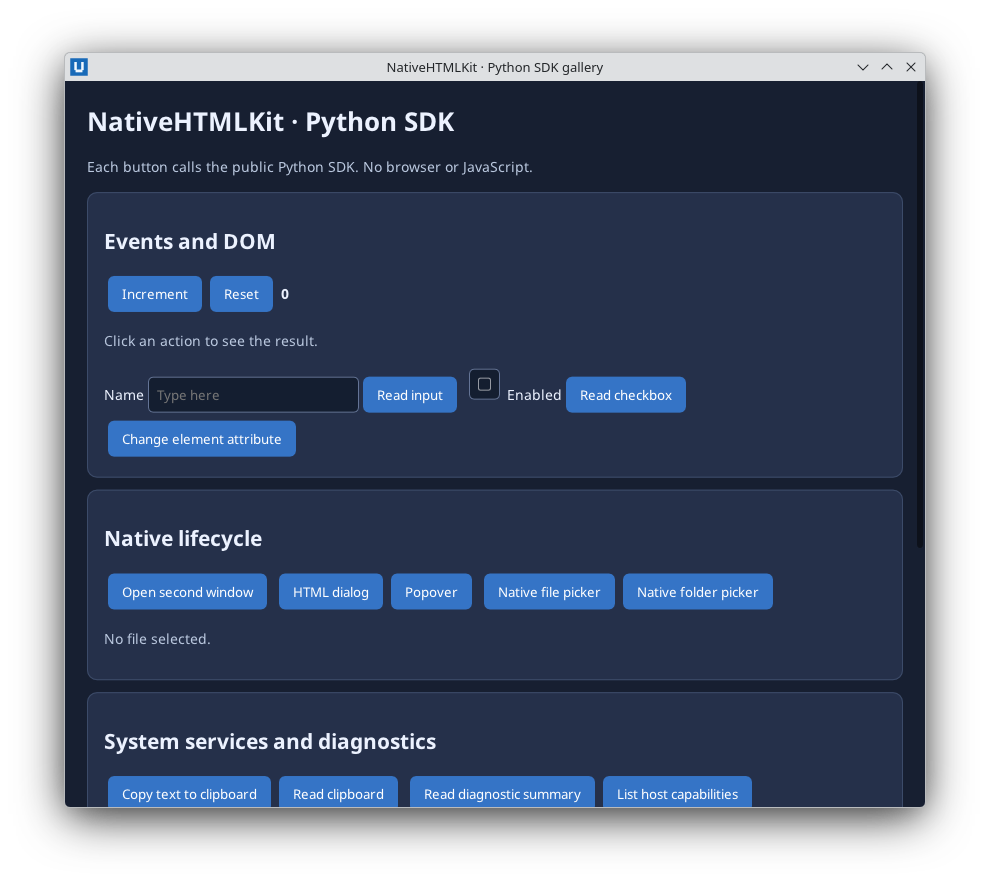 |
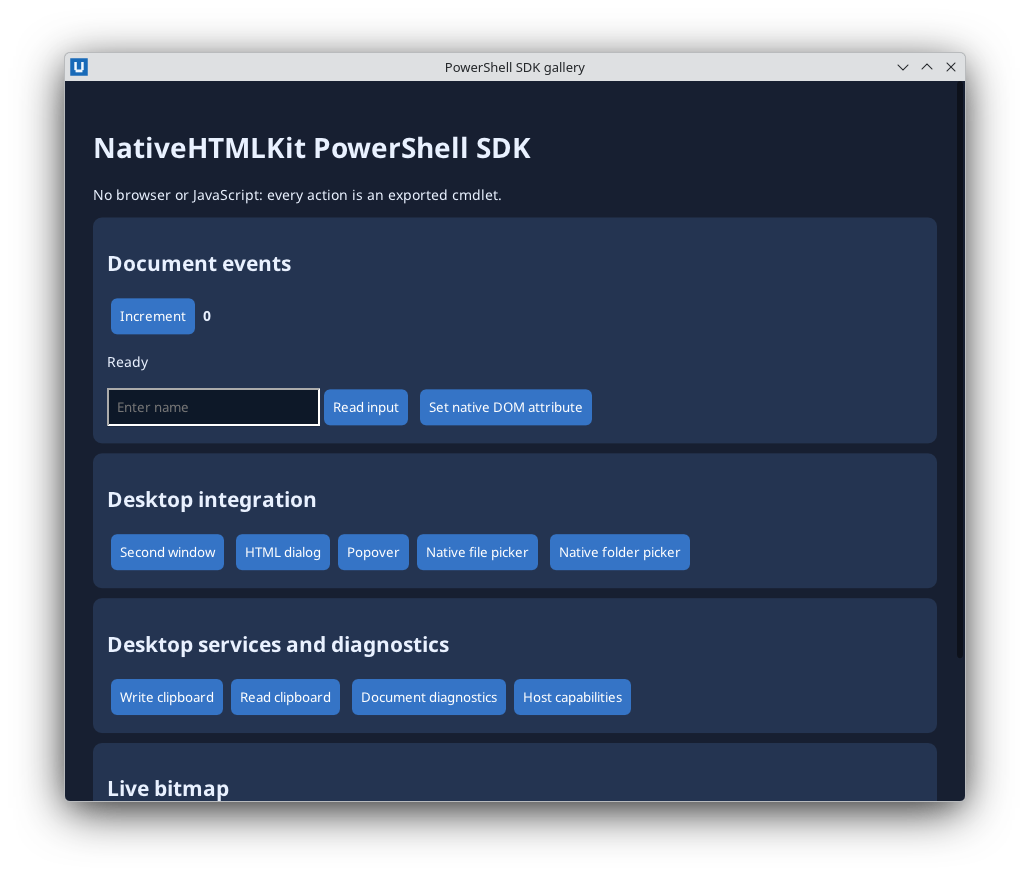 |
Capturing a new screenshot
- Install the exact released packages on the target desktop and note the OS, runtime and versions.
- Run the example unchanged from a neutral working directory (and a scratch
HOMEif the example shows a file path), so no personal paths appear in the window. - Exercise what the page describes. Never present a capture of a broken state as working.
- Capture only the window (KDE:
spectacle -b -n -a -o shot.png; Windows: Win+Shift+S, window mode). - Save it in the owning repository under
docs/images/examples/with that repository's naming (py-sdk-<file>.png,ps-sdk-<file>.png) and re-runscripts/import-docs.pyhere.