How to run slow work in the background
Reference: background tasks. Examples: 11-background-checksums.ps1 (progress and cancel), 06-log-tail.ps1 (polling), 12-live-chart.ps1 (timer), 18-background-jobs.ps1 (several jobs, queue, cancel), process-dashboard/app.ps1 (periodic refresh; tutorial).
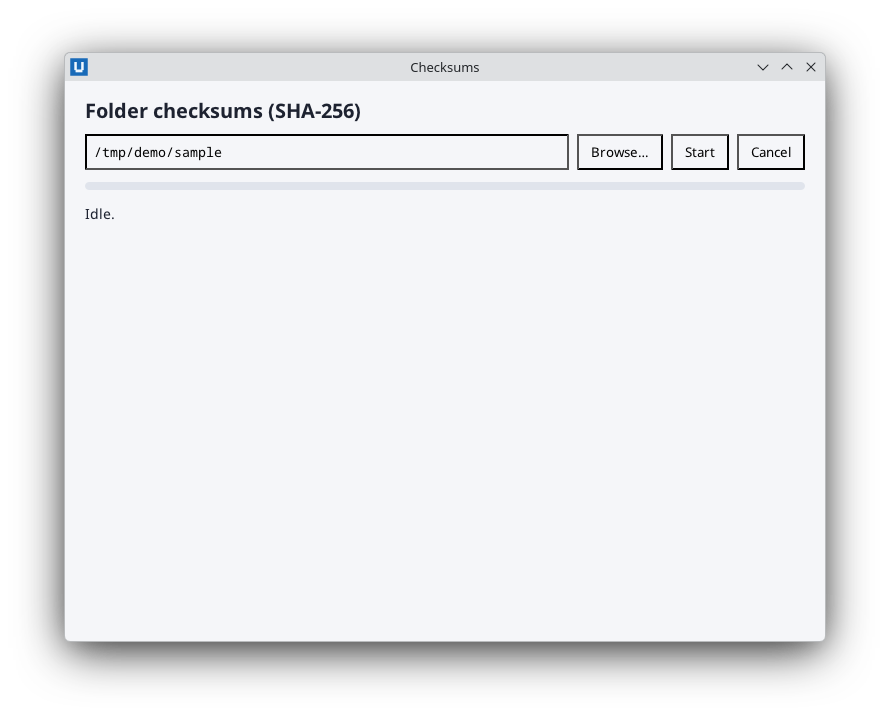
Real capture on KDE Plasma 6.6 Wayland with the released packages.
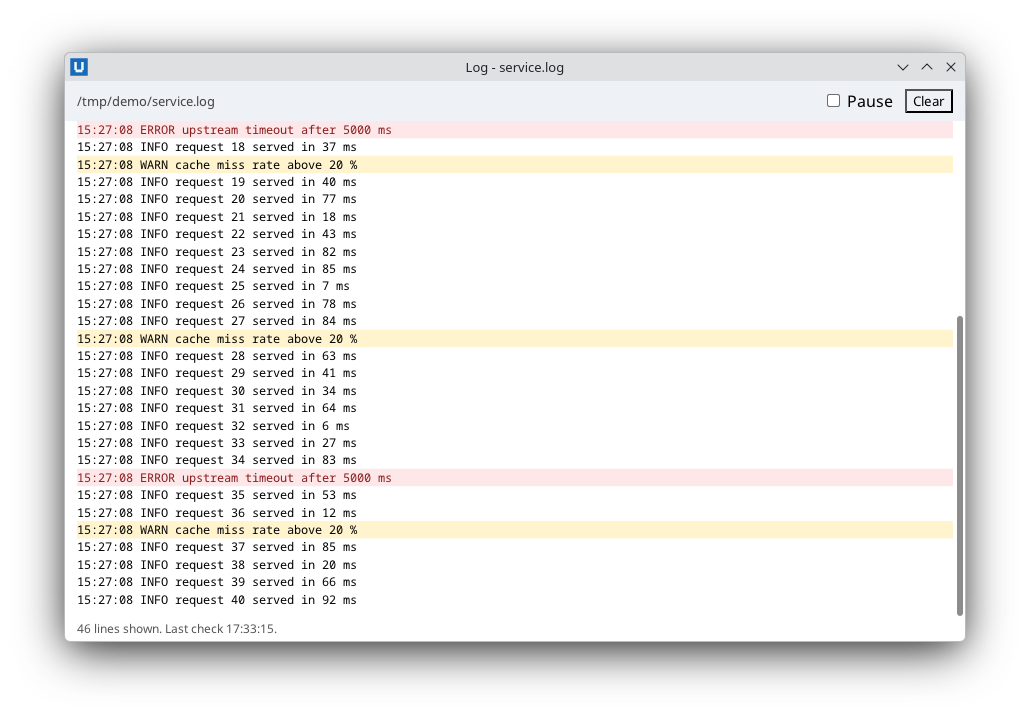
Real capture on KDE Plasma 6.6 Wayland with the released packages.
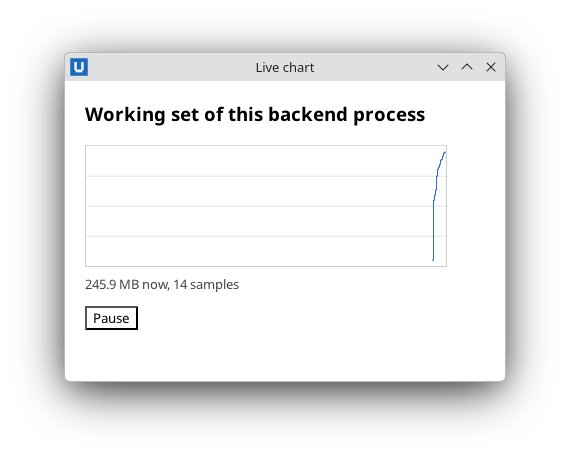
Real capture on KDE Plasma 6.6 Wayland with the released packages.
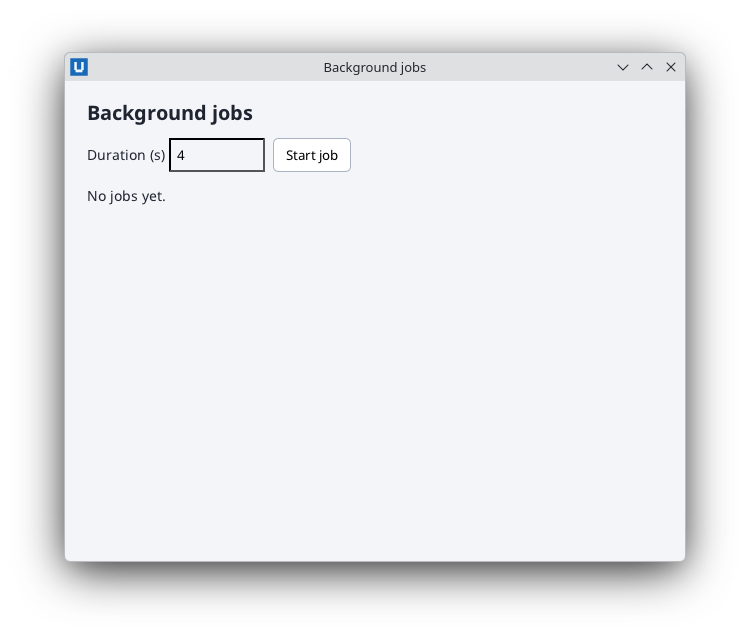
Real capture on KDE Plasma 6.6 Wayland with the released packages.
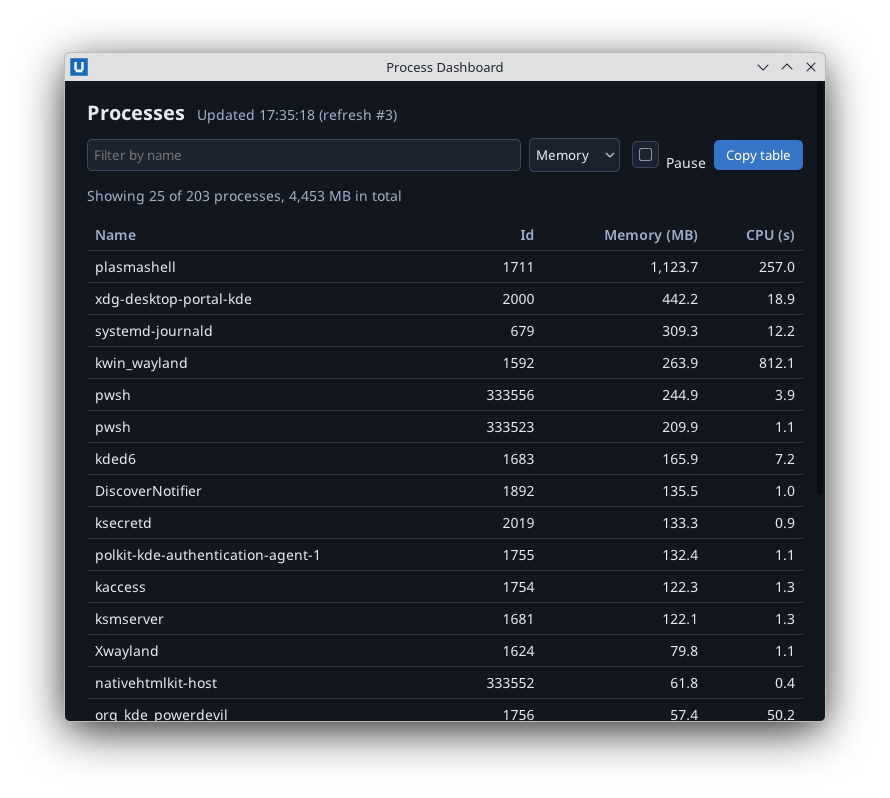
Real capture on KDE Plasma 6.6 Wayland with the released packages.
Callbacks run on the UI runspace: while one runs, the window cannot react to anything else. Move
anything that takes more than a fraction of a second into Start-NativeHTMLKitTask.
The pattern
$null = Start-NativeHTMLKitTask -Application $app -ArgumentList @($folder) -ScriptBlock {
    param([string]$Path)                                   # isolated runspace: plain data only
    Get-ChildItem -LiteralPath $Path -File -Recurse | Measure-Object -Property Length -Sum |
        ForEach-Object { [pscustomobject]@{ Files = $_.Count; Bytes = $_.Sum } }
} -OnCompleted {
    param($result)                                         # runs on the UI runspace
    $summary = $result[0]
    Set-NativeHTMLKitDocumentText -Document $doc -Element status -Text ("{0:N0} files, {1:N1} MB" -f $summary.Files, ($summary.Bytes / 1MB))
} -OnFailed {
    param($failure)
    Set-NativeHTMLKitDocumentText -Document $doc -Element status -Text ('Scan failed: ' + $failure.Message)
}
What crosses the boundary:
- In:
-ArgumentListvalues, as positional arguments. Strings, numbers, hashtables, arrays andPSCustomObjects are fine; NativeHTMLKit objects are refused. To pass one array as one argument write-ArgumentList @(, $files). - Out: everything the scriptblock outputs, as an array (
$result[0], orforeach ($item in $result)). - Not available inside: your script's variables and functions,
$doc,$app, imported modules. Define helper functions andImport-Moduleinside the scriptblock if needed.
Progress
A task reports only when it finishes. For progress, split the work into batches and start the next
batch from -OnCompleted, updating a progress bar each time
(11-background-checksums.ps1 hashes files for about
0.2 s per batch, so the window is updated a few times per second). Batches also make cancellation responsive.
Cancel and time out
$script:job = Start-NativeHTMLKitTask -Application $app -ScriptBlock $work -TimeoutMilliseconds 60000 -OnFailed {
    param($failure)
    if ($failure -is [OperationCanceledException]) { $text = 'Cancelled.' }
    elseif ($failure -is [TimeoutException]) { $text = 'Took too long.' }
    else { $text = 'Failed: ' + $failure.Message }
    Set-NativeHTMLKitDocumentText -Document $doc -Element status -Text $text
}
# Cancel button:
Stop-NativeHTMLKitTask -Task $script:job
Cancellation is a request: PowerShell stops the pipeline at the next opportunity
(Start-Sleep, between commands), but a call blocked inside .NET or native code finishes first.
The result of a stopped task is discarded and its slot stays occupied until the worker really ends
(at most 8 unfinished tasks per application). Receive-NativeHTMLKitTask reports
CancellationPending meanwhile.
Timers and polling
There is no timer cmdlet. A task that sleeps is a timer, and rescheduling from -OnCompleted
gives a periodic tick that stops when the application closes:
function Start-Poll {
    $null = Start-NativeHTMLKitTask -Application $app -ScriptBlock { Start-Sleep -Milliseconds 500 } -OnCompleted {
        Update-Status
        Start-Poll
    }
}
Each task creates a runspace (tens of milliseconds, more in Windows PowerShell 5.1), so keep periods at a few hundred milliseconds or more, and do the I/O inside the task, as 06-log-tail.ps1 does.
Several jobs at once
Each job is a chain of short tasks, so it can report progress after every step. A function that
starts a step creates its callbacks with .GetNewClosure(), so each callback keeps its job:
function Start-JobStep($Job) {
    $Job.Task = Start-NativeHTMLKitTask -Application $app -ScriptBlock $work -ArgumentList @($delay) -OnCompleted {
        $Job.Step++
        Set-NativeHTMLKitDocumentAttribute -Document $doc -Element "job-$($Job.Id)-fill" -Name style -Value ('width:{0}%' -f ($Job.Step * 5))
        if ($Job.Step -lt 20) { Start-JobStep $Job } else { Complete-Job $Job 'done' }
    }.GetNewClosure() -OnFailed {
        param($failure)
        if ($failure -is [OperationCanceledException]) { Complete-Job $Job 'cancelled' }
    }.GetNewClosure()
}
Stop-NativeHTMLKitTask -Task $job.Task cancels the current step, and -OnFailed marks the job
cancelled. An application can have at most 8 unfinished tasks; a ninth Start-NativeHTMLKitTask
throws. 18-background-jobs.ps1 therefore keeps further
jobs in a queue and starts them when a running job finishes or is cancelled.
Waiting for a task from script code
Receive-NativeHTMLKitTask -Task $t -Wait -TimeoutMilliseconds 10000 pumps events until the task
completes and returns Completed, Result, Failure and Errors (non-terminating errors from
Write-Error). It is useful in startup code and tests; inside the event loop prefer callbacks.
Do not
- Do not call SDK cmdlets inside the task scriptblock: there is no application there.
- Do not use
Start-Job,Start-ThreadJob,ForEach-Object -Parallelor your own runspaces to touch SDK objects. You may use them for pure computation, but deliver results through a task or your own polling on the UI runspace.
Source: nativehtmlkit-powershell/docs/guides/background-work.md · edit the page there.