Background work
Event callbacks run one at a time on a single thread. Anything slow inside a callback (hashing files, network requests, a blocking dialog) delays every later event and makes the window feel frozen. Move such work to a thread; the SDK is thread-safe.
Pattern
import threading
from nativehtmlkit import NativeHTMLKitError

class Job:
    def __init__(self, document):
        self.document = document
        self.cancel = threading.Event()
        self.thread = None

    def start(self, items):
        if self.thread and self.thread.is_alive():
            return
        self.cancel.clear()
        self.thread = threading.Thread(target=self.run, args=(items,), daemon=True)
        self.thread.start()

    def run(self, items):
        try:
            for index, item in enumerate(items, 1):
                if self.cancel.is_set():
                    break
                process(item)                                   # slow work, no SDK calls needed
                if index % 20 == 0 or index == len(items):      # throttle UI updates
                    self.document.batch([
                        {"op": "set_attribute", "element": "bar", "name": "style",
                         "value": f"width:{index * 100 // len(items)}%"},
                        {"op": "set_text", "element": "status", "text": f"{index}/{len(items)}"}])
        except NativeHTMLKitError:
            return                                              # window closed or app quitting

job = Job(document)
document.on("click", lambda e: job.start(load_items()), element="start")
document.on("click", lambda e: job.cancel.set(), element="cancel")
app.on_shutdown(job.cancel.set)
Rules of thumb:
- Throttle updates: a few per second is plenty; group them in one
batch. - Cancel cooperatively with a
threading.Eventchecked between steps. - Stop on shutdown:
app.on_shutdown(event.set); usedaemon=Truethreads so a forgotten thread cannot keep the process alive. - Expect stale handles: when the window closes mid-job, the next SDK call raises
StaleDocumentError(orRpcError/DisconnectedErrorduring shutdown). CatchNativeHTMLKitErroraround UI updates and end the thread. - Guard shared state that callbacks and the thread both modify with a
threading.Lock.
Ask before quitting while busy
def may_quit() -> bool:
    if job.thread and job.thread.is_alive():
        document.add_class("busy-warning", "shown")
        return False             # stay open; the user can cancel first
    return True
app.on_before_quit(may_quit)
The quit policy runs on its own SDK thread, so it is answered even while event callbacks are busy.
Futures
window.open_files(wait=False) and app.rpc.call_async(...) return
concurrent.futures.Futures. Their done-callbacks run on fresh SDK threads and may call the
synchronous SDK. A ThreadPoolExecutor works the same way:
from concurrent.futures import ThreadPoolExecutor
pool = ThreadPoolExecutor(max_workers=4)
future = pool.submit(fetch_report, url)
future.add_done_callback(lambda f: document.set_text("report", f.result()))
A periodic refresh loop
For data that should stay current (a process list, a status board), let one thread collect and
render in a loop, and wait on a threading.Event between rounds. Setting the event wakes the
thread early, which serves both "refresh now" and "stop":
wake, stopped = threading.Event(), threading.Event()

def loop():
    while not stopped.is_set():
        if not paused:
            rows = collect()                 # slow: runs on this thread
            render(rows)                     # SDK calls are thread-safe
        wake.wait(refresh_seconds)
        wake.clear()

def stop():
    stopped.set()
    wake.set()

app.on_shutdown(stop)
threading.Thread(target=loop, daemon=True).start()
The process dashboard tutorial builds this step by step.
asyncio instead of threads
If your code is already async, run jobs as asyncio tasks and await the SDK through
app.async_adapter(); see asyncio integration and
async_jobs.py (concurrent jobs with progress and cancel).
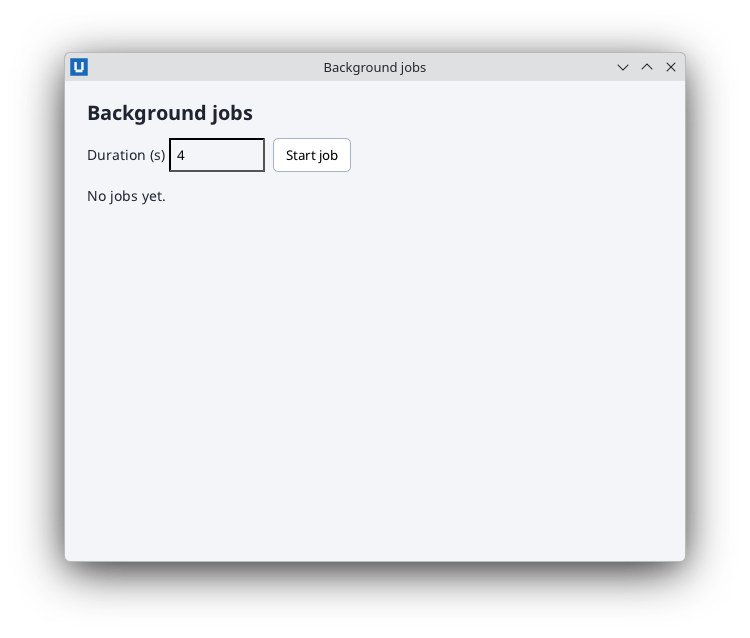
Real capture on KDE Plasma 6.6 Wayland with the released packages.
Examples
- checksum.py: worker thread, progress, cancel, quit confirmation
- log_viewer.py: polling a growing file from a thread, bounded view
- live_chart.py: sampling and presenting a bitmap from a thread
- process_dashboard/dashboard.py: periodic refresh, pause, resume
- async_jobs.py: the same idea with asyncio tasks
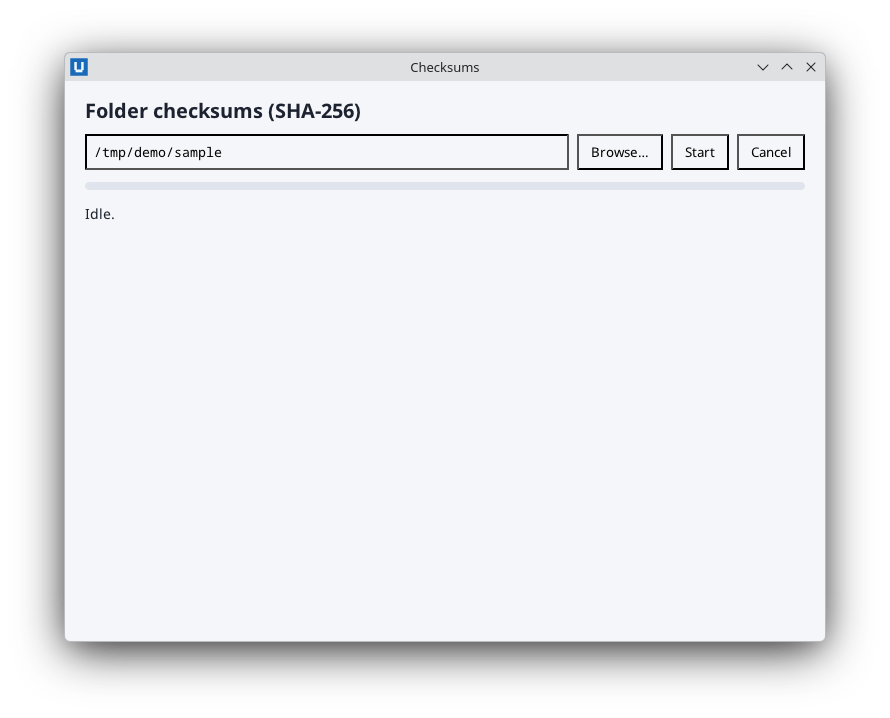
Real capture on KDE Plasma 6.6 Wayland with the released packages.
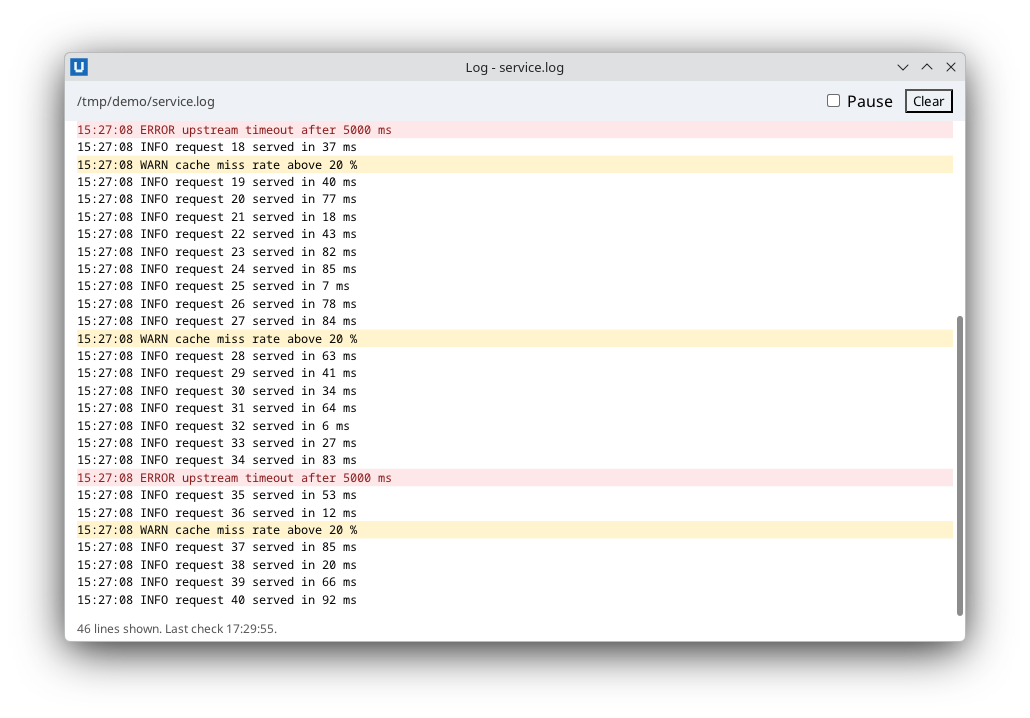
Real capture on KDE Plasma 6.6 Wayland with the released packages.
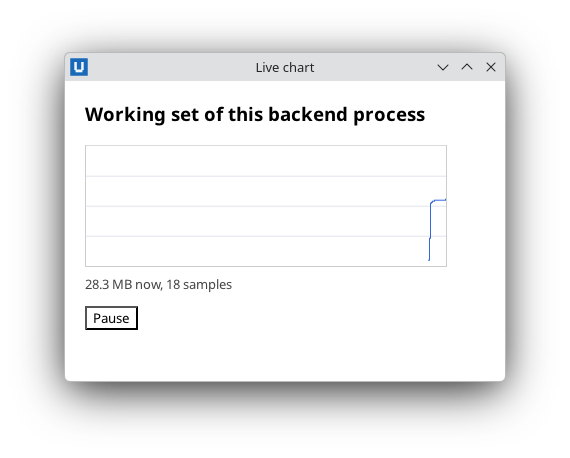
Real capture on KDE Plasma 6.6 Wayland with the released packages.
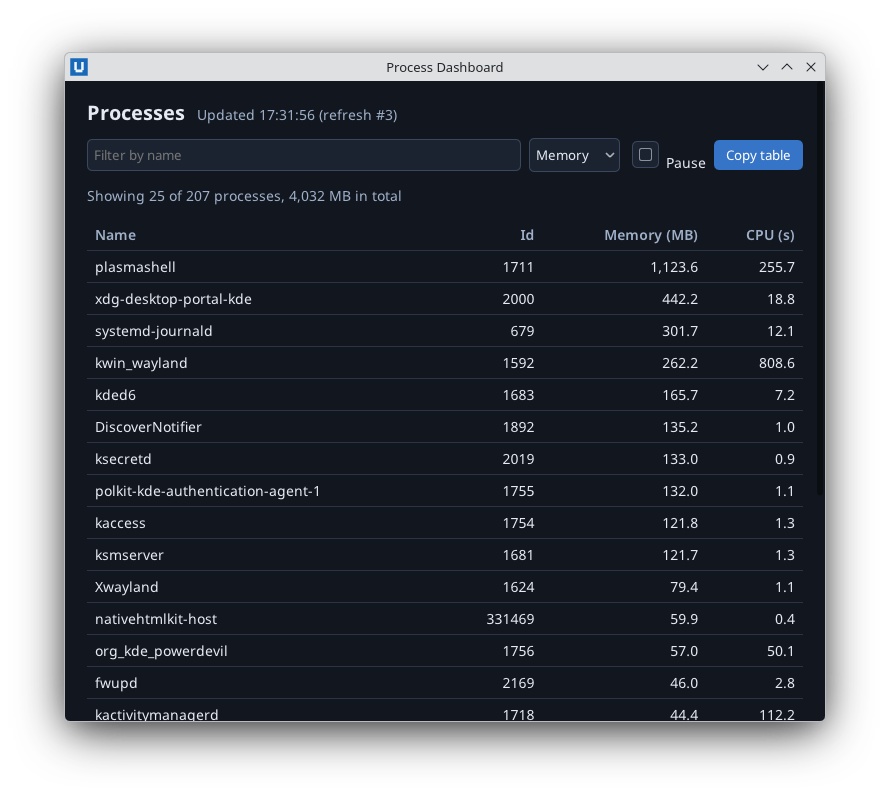
Real capture on KDE Plasma 6.6 Wayland with the released packages.
Source: nativehtmlkit-python/docs/guides/background-work.md · edit the page there.