How to update the document: text, HTML, classes, batches and commands
Reference: documents, nodes. Examples: 02-counter.ps1, 04-todo-list.ps1, 05-process-viewer.ps1, 06-log-tail.ps1, 15-data-table.ps1 (one batch per render), 16-dom-explorer.ps1 (nodes without ids).
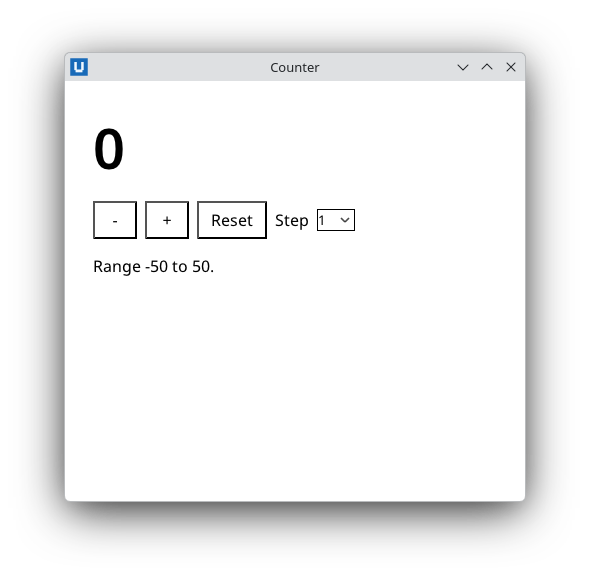
Real capture on KDE Plasma 6.6 Wayland with the released packages.
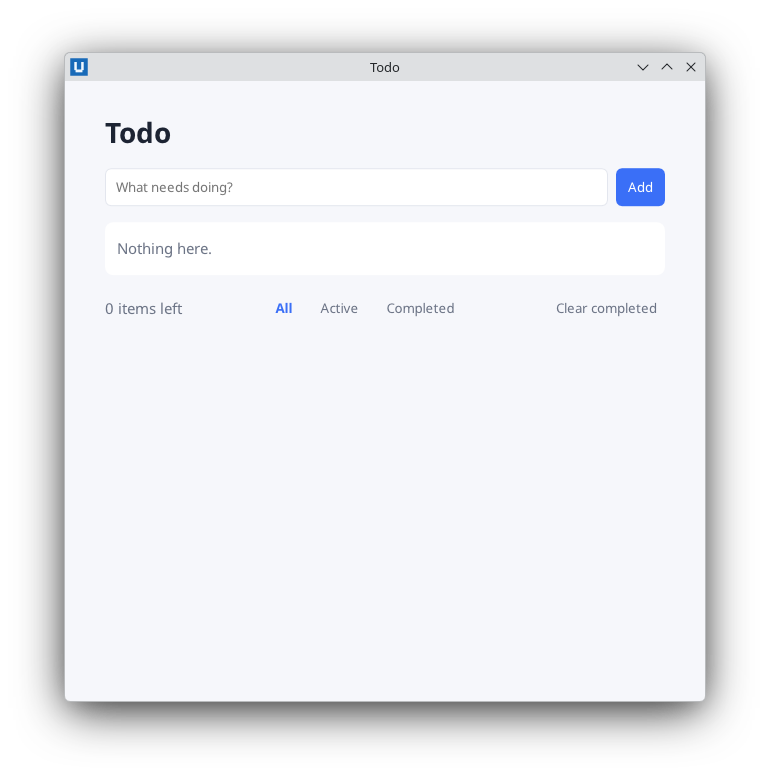
Real capture on KDE Plasma 6.6 Wayland with the released packages.
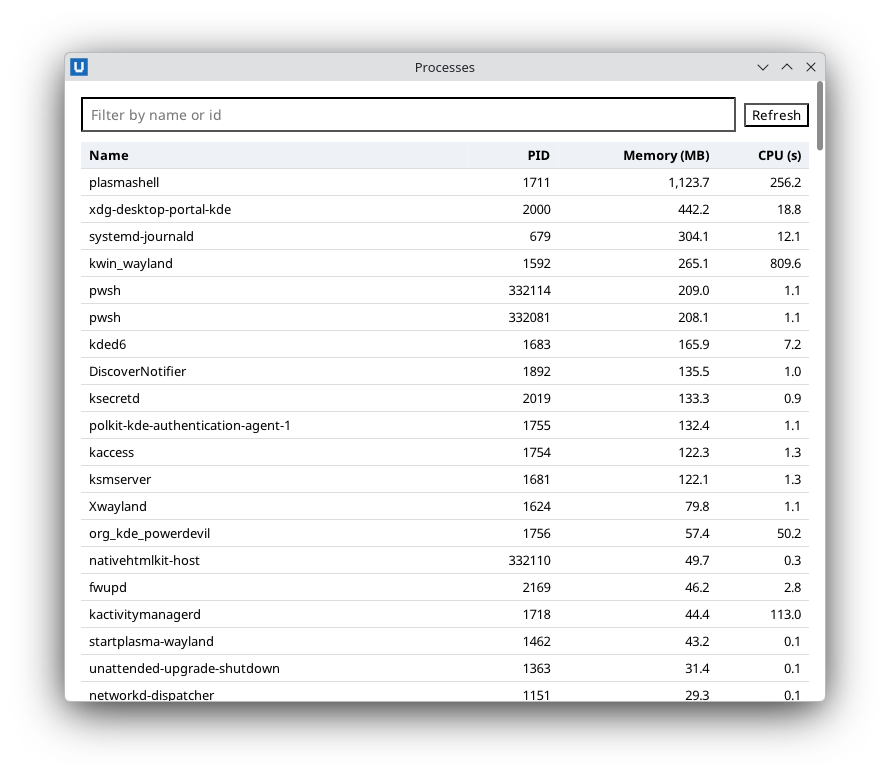
Real capture on KDE Plasma 6.6 Wayland with the released packages.
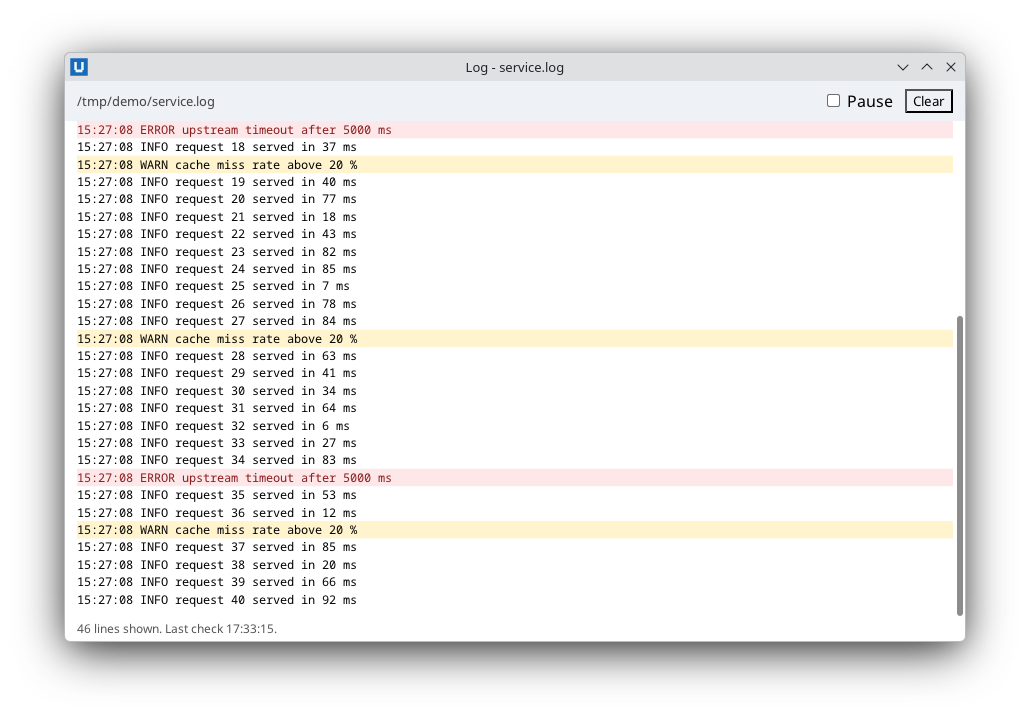
Real capture on KDE Plasma 6.6 Wayland with the released packages.
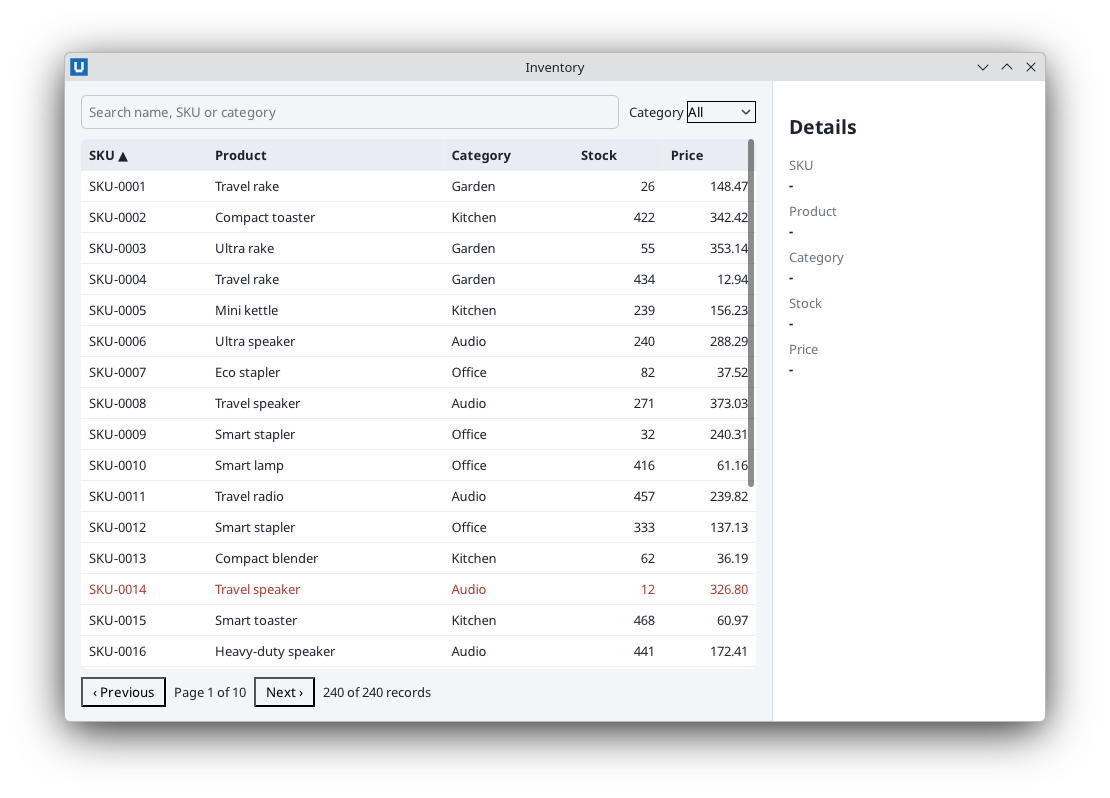
Real capture on KDE Plasma 6.6 Wayland with the released packages.
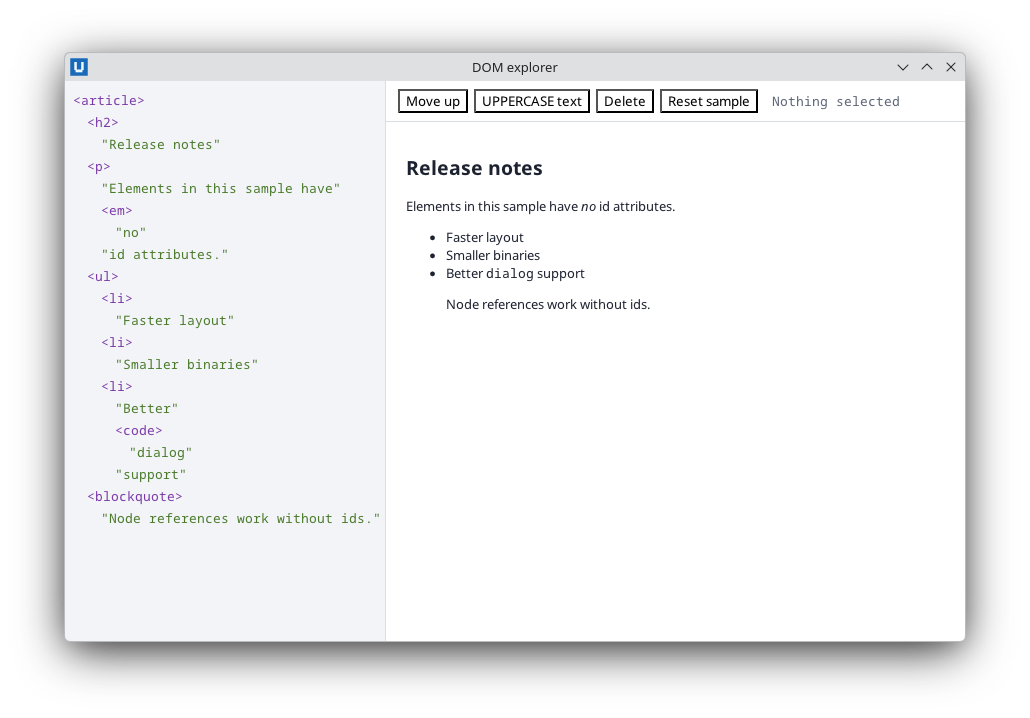
Real capture on KDE Plasma 6.6 Wayland with the released packages.
The document lives in the native host; PowerShell changes it with commands addressed by element id. Each command is one request to the host, so prefer a few large updates over many small ones.
Choose the right command
| You want to | Use |
|---|---|
| Show a value, message or any untrusted text | Set-NativeHTMLKitDocumentText (never parsed as HTML) |
| Render a list or table from data | Build HTML with encoded values, then Set-NativeHTMLKitDocumentHtml |
| Append a row or log line | Set-NativeHTMLKitDocumentHtml -Position beforeend |
| Toggle state styling | Set-NativeHTMLKitClass -Name selected [-Remove] |
Enable/disable, aria-*, value attributes |
Set-NativeHTMLKitDocumentAttribute [-Remove] |
| Change a control's current value | Set-NativeHTMLKitDocumentValue, Set-NativeHTMLKitChecked, Set-NativeHTMLKitSelectedValues |
| Change several things at once, consistently | Invoke-NativeHTMLKitBatch |
| Count matching elements | (Find-NativeHTMLKitElement -Selector ...).matched_nodes |
| Work with elements that have no id | Get-NativeHTMLKitNodes + Invoke-NativeHTMLKitNodeBatch |
| Anything else in the Core protocol | Invoke-NativeHTMLKitDocumentCommand -Operation <op> |
Render data as HTML safely
$rows = New-Object System.Text.StringBuilder
foreach ($svc in Get-Service | Sort-Object DisplayName) {
    $state = 'stopped'; if ($svc.Status -eq 'Running') { $state = 'running' }
    [void]$rows.Append("<tr class=`"$state`"><td>" + [Net.WebUtility]::HtmlEncode($svc.DisplayName) +
        '</td><td>' + [Net.WebUtility]::HtmlEncode([string]$svc.Status) + '</td></tr>')
}
Set-NativeHTMLKitDocumentHtml -Document $doc -Element services -Html $rows.ToString()
Encode every value that did not come from your own source code, including file names, process names, log lines and user input. The class names above come from a fixed set, so they need no encoding. See security.
Atomic updates with a batch
A batch applies all operations or none, so the user never sees a half-updated view:
Invoke-NativeHTMLKitBatch -Document $doc -Operations @(
    @{ op = 'set_text'; element = 'total'; text = '1,204' }
    @{ op = 'remove_class'; element = 'total'; name = 'loading' }
    @{ op = 'insert_html'; element = 'history'; position = 'afterbegin'; html = '<li>' + [Net.WebUtility]::HtmlEncode($entry) + '</li>' }
    @{ op = 'trim_children'; element = 'history'; keep = 20; from = 'end' }
)
trim_children keeps a bounded list: from = 'start' (default) removes the oldest children when
you append at the end, from = 'end' removes the last ones when you insert at the beginning.
Long or growing views
- Append with
-Position beforeendand cap the length withtrim_children, as 06-log-tail.ps1 does for a log of 500 lines. - Keep a scroll container at its end while lines arrive:
Invoke-NativeHTMLKitDocumentCommand -Document $doc -Operation set_scroll_follow -Parameters @{ element = 'log'; follow = $true }. - Re-render big tables in one
Set-NativeHTMLKitDocumentHtmlcall rather than one command per row, and keep a frame under 2 MiB of JSON (limit 200 rows or page through data).
Stylesheets at run time
Load your CSS with the document (<style> or <link rel="stylesheet" href="style.css">). For
values chosen at run time, add one stylesheet and replace its text:
$sheet = (Add-NativeHTMLKitStylesheet -Document $doc -Css '').sheet
$null = Set-NativeHTMLKitStylesheet -Document $doc -Sheet $sheet -Css ":root { --accent: $accent; }"
$accent must be a value you validated (for example ^#[0-9a-fA-F]{6}$): CSS text is code.
Elements without ids: nodes
Generated markup often has no ids. Node references reach those elements:
$sample = Get-NativeHTMLKitNode -Document $doc -Element sample          # id -> node
$children = (Get-NativeHTMLKitNodeChildren -Node $sample -Limit 256).children
foreach ($child in $children) {
    $node = Get-NativeHTMLKitNode -Document $doc -Reference $child.node   # wrap a reference string
    $info = Get-NativeHTMLKitNodeInfo -Node $node                         # type, name, attributes, text, previous, next
    if ($info.type -eq 'element') { Invoke-NativeHTMLKitNodeOperation -Node $node -Operation add_class -Parameters @{ name = 'seen' } }
}
$items = (Get-NativeHTMLKitNodes -Document $doc -Selector '#sample li').nodes   # CSS query: node + id (or $null)
Host replies are objects: an element's attributes are properties
($info.attributes.PSObject.Properties), and a text node reports its text, including the
whitespace between tags. A reference belongs to one document generation; after the element is
removed or replaced (for example by Set-NativeHTMLKitDocumentHtml on its parent), using it throws.
16-dom-explorer.ps1 walks, moves (move_element with
target_node), edits and deletes nodes this way.
Read state back
Get-NativeHTMLKitDocumentText, Get-NativeHTMLKitValue, Get-NativeHTMLKitChecked,
Get-NativeHTMLKitComputedStyle and commands such as get_attribute and get_html read the live
document. They are also how automated checks verify a UI without a screen (the examples'
-SelfTest blocks).
Replacing the whole document
Open-NativeHTMLKitHtml/Open-NativeHTMLKitFile on the same window replaces the document
atomically. The old $doc and all its subscriptions, nodes and bitmaps become stale: register
handlers again on the new document object.
Source: nativehtmlkit-powershell/docs/guides/updating-the-page.md · edit the page there.