Keyboard and focus
How to add keyboard shortcuts, keep keys such as Tab inside an editor, move focus and work with the text selection of a control, using the NativeHTMLKit Python SDK 0.1.2. The complete application is keyboard_shortcuts.py, a snippet editor with Tab indentation, Ctrl+S, Ctrl+L, Ctrl+Shift+U and an F1 help popover.
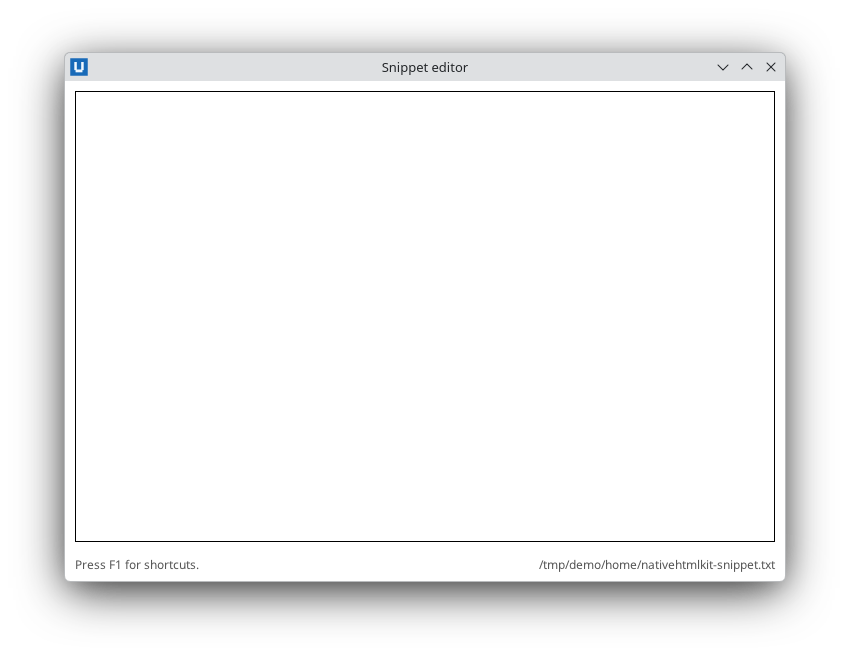
Real capture on KDE Plasma 6.6 Wayland with the released packages.
Read keys
keydown and keyup events carry the logical key ("a", "A", "Enter", "Escape",
"Tab", "ArrowDown", "F1"...), the physical code ("KeyA"), repeat and the modifier flags
ctrl, shift, alt and meta (see the event reference).
def on_key(event: dict) -> None:
    if event["key"] == "Escape":
        cancel_edit()

document.on("keydown", on_key)                    # every key in the document
document.on("keydown", on_key, element="todos")   # only while focus is inside #todos
Keyboard events bubble, so element= matches keys pressed while focus is on that element or on
anything inside it.
A shortcut table
Turn each event into a normalised chord string and look it up in a dictionary. This keeps every shortcut in one place and makes the actions easy to call from tests:
def chord(event: dict) -> str:
    """{'key': 'U', 'ctrl': True, 'shift': True} -> 'ctrl+shift+u'."""
    parts = [name for name in ("ctrl", "alt", "shift", "meta") if event.get(name)]
    return "+".join(parts + [str(event.get("key", "")).lower()])

shortcuts = {
    "ctrl+s": save,
    "ctrl+l": insert_timestamp,
    "ctrl+shift+u": upper_case_selection,
    "f1": lambda: document.toggle_popover("help"),
    "escape": lambda: document.hide_popover("help"),
}

def on_key(event: dict) -> None:
    action = shortcuts.get(chord(event))
    if action:
        action()

document.on("keydown", on_key)
key reports the character the key produced, so with Shift held a letter arrives in upper case;
lower-casing it in chord makes "ctrl+shift+u" match either way.
Stop the default action of a key
Callbacks run after the host has handled the key, so a callback cannot stop Tab from moving
focus or Enter from submitting a form. Register a rule up front with
prevent_default; the host then cancels the default
action before it happens and your callback still receives the event:
# Tab (without Shift) in the editor no longer moves focus; Shift+Tab still does.
document.prevent_default("editor", "keydown", key="Tab", shift=False)

def on_key(event):
    if chord(event) == "tab":
        document.replace_control_range("editor", "    ", selection_mode="end")   # indent
document.on("keydown", on_key, element="editor")
Rules can be narrowed with key=, shift=, ctrl=, alt= and meta=, and removed again with
prevent=False. Matching events report default_prevented: True. Other preventable events
include submit, paste, contextmenu and wheel.
Enter in a single-line field submits its form (HTML implicit submission). Usually that is what
you want: handle submit and both the button and the keyboard are covered.
Move focus
document.focus("edit-title")              # an id or a Node
document.blur()                           # whatever has focus
info = document.focused_element()         # {"element": "edit-title", "node": "..."} or None
Use focus() after you render something the user should type into next, for example an inline
edit field (see todo.py).
The HTML autofocus attribute focuses a control when the page loads.
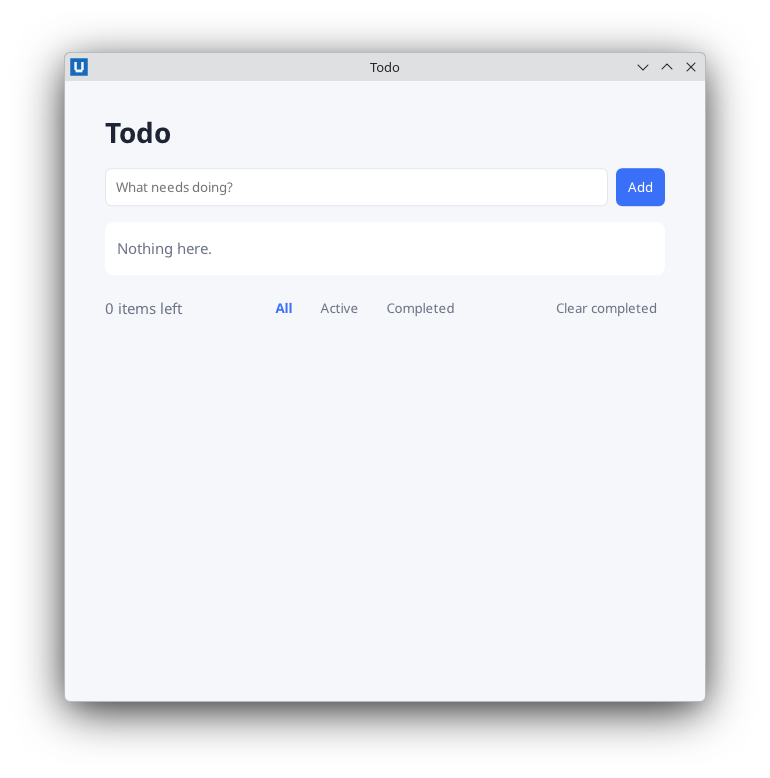
Real capture on KDE Plasma 6.6 Wayland with the released packages.
focus() from Python fires the same focus/blur/focusin/focusout events as a click or
Tab. focus and blur do not bubble: subscribe on the element itself, or without element and
filter on event["element"]. focusin/focusout bubble, so a handler on a form sees focus
moving between its fields; all four report the element on the other side of the move in
related_element.
document.on("focusin", lambda e: document.add_class(e["element"], "active"), element="form")
document.on("focusout", lambda e: document.remove_class(e["element"], "active"), element="form")
Work with the selection of a text field
control_selection(element) returns {"start", "end", "direction", "length", "node"} for an
<input> or <textarea>. Offsets are UTF-16 code units, not Python string indices: an emoji
counts as two. Convert through UTF-16 when you slice the value:
selection = document.control_selection("editor")
start, end = selection["start"], selection["end"]
units = document.get_value("editor").encode("utf-16-le")
selected = units[start * 2:end * 2].decode("utf-16-le")
document.replace_control_range("editor", selected.upper(), selection_mode="end")
set_control_selection(element, start, end, direction="none")selects a range (or places the caret whenstart == end).replace_control_range(element, text, start=None, end=None, selection_mode="preserve")replaces the selection (or the given range) and can place the caret after the new text withselection_mode="end". It goes through the editor, so the user can undo it.edit("undo" | "redo" | "cut" | "copy" | "paste" | "select_all" | "delete", element)runs a native editing command.
Test keyboard logic without a keyboard
Headless mode has no synthetic key presses. Keep the logic in plain methods and feed them event dictionaries of the same shape, as the repository's checks do for the snippet editor:
editor.on_key({"type": "keydown", "key": "U", "ctrl": True, "shift": True, "alt": False, "meta": False})
assert document.get_value("editor") == "A    b"
Try the real keys once on each desktop you support: keyboard layouts, input methods and window managers can reserve some combinations.
Window-level keys
app.on_window_event(callback) also receives window key events with key, state
("pressed"/"released"), repeat and physical_key (see
on_window_event). For shortcuts inside a page,
the document keydown handler above is simpler: it carries the modifier flags and respects
prevent_default rules.
Source: nativehtmlkit-python/docs/guides/keyboard-and-focus.md · edit the page there.